
Aldelo Express POS
Aldelo Express operating guide
Practice a shift from cashier sign-in to a kitchen ticket, payment and guest receipt.
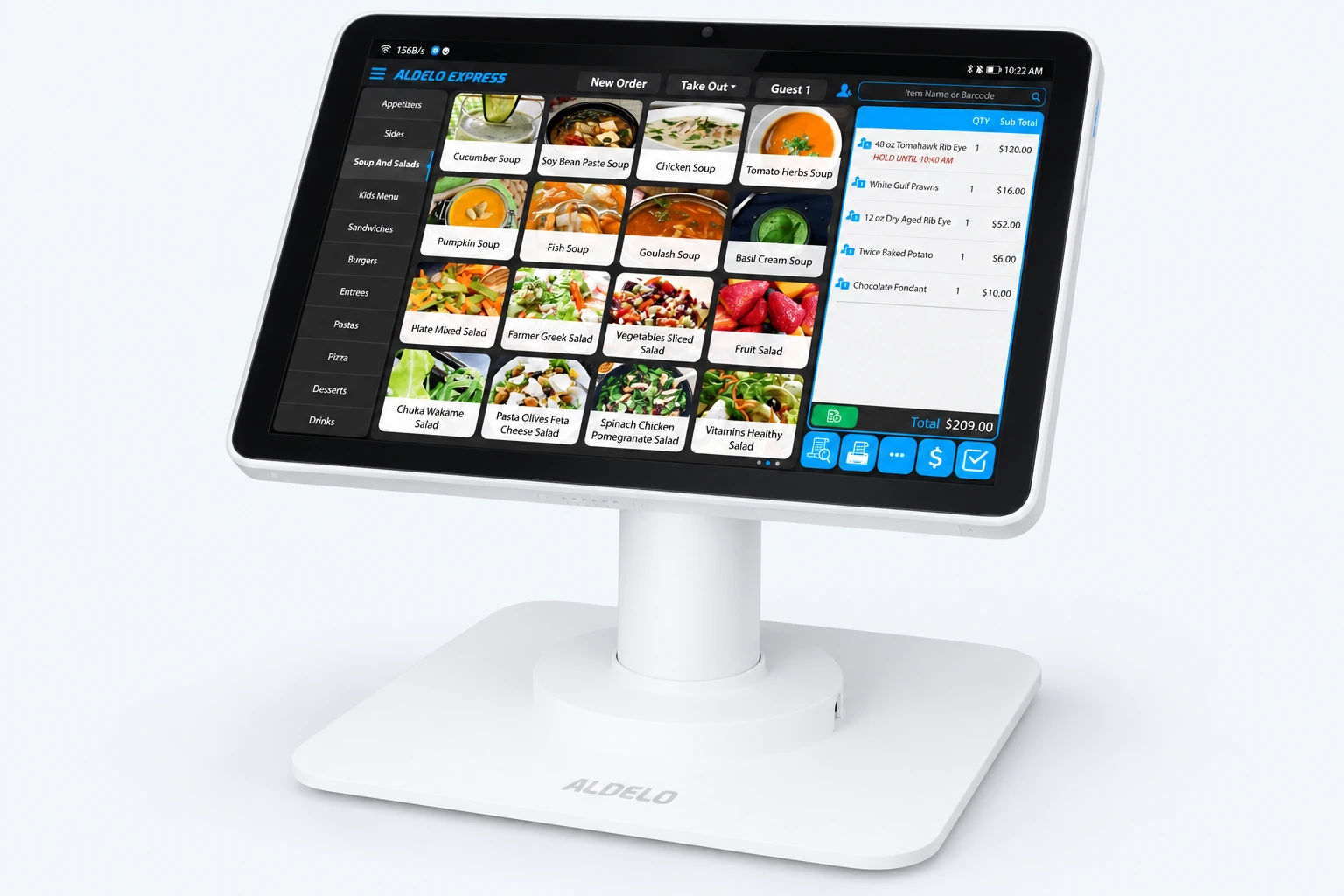
Take an order through checkout
Sign in for service
Sign in to your store. Recall shows open orders. Open More Options and choose Cashier In if you will take payments.
Start the check
Choose New Order and the service type. For dine-in, select the table and guest count when prompted. Pick an item from a menu group, add a modifier and check the quantity and price.
Send and recall the order
Select Done to finish entry. Match the dish and modifier to the kitchen ticket. To reopen the check, find its table or order number in Recall. Use the same check for additions.
Settle the check
Review the total, open payment and choose the tender. For cash, enter the amount received and return the displayed change. For a real card sale, follow your configured terminal prompts and confirm approval before closing.
Give the guest a receipt
Print the receipt or send it by email if the guest requests it. Check that the order is paid and has left the open-order list. If payment is uncertain, check its status before trying again.
Need a hand with your setup?
Tell support which step you reached and the product version on your device. Keep passwords and private account records out of your message.