
Restaurant POS buying guide
How to choose a restaurant POS
A practical checklist for service flow, devices, payments and the full cost of your next restaurant POS.
Five decisions before you buy
Follow one order from guest to kitchen
Picture your busiest service: where does an order begin, who enters changes, how does the kitchen receive it and where does the guest pay? A full-service restaurant may need tableside ordering; a counter operation may start with a fixed station and Online Order. Choose the workflow before choosing the screen.
Find my service stylePut the right device in each role
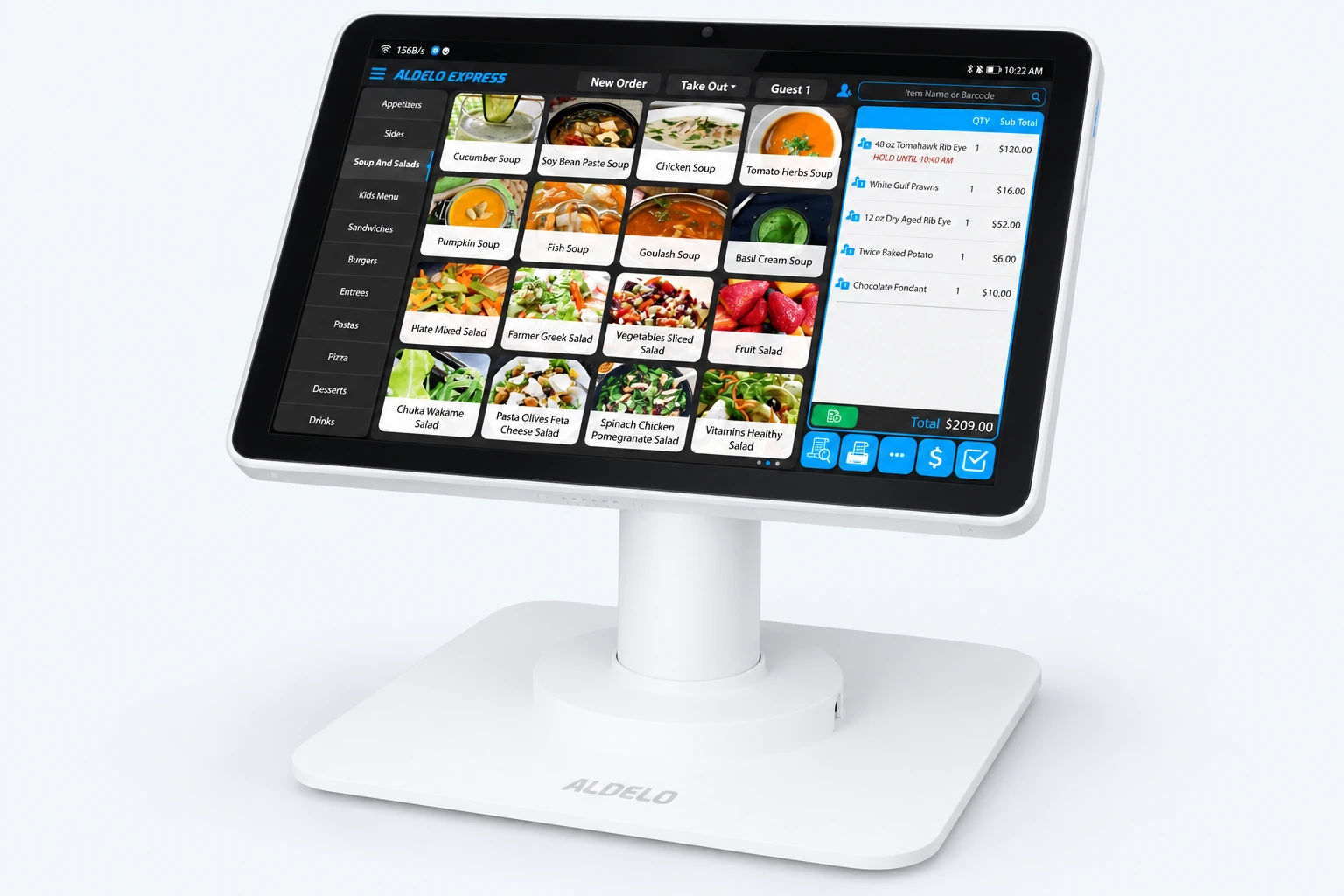
Decide which jobs belong at the counter, at the table and in the kitchen. Aldelo Express runs on iPad and Android, including T2 terminals and P5L mobile devices. T2 and P5L support POS and integrated chip and tap payments. Confirm the device and service combination in your proposal before ordering.
See Express and its devicesChoose your payment relationship
Software subscriptions, hardware and processing are priced separately. Your proposal confirms availability, compatibility and current pricing for your location.
Compare the full recurring cost
Software subscriptions, hardware and processing are priced separately. Your proposal confirms availability, compatibility and current pricing for your location.
Explore pricingSee your daily work, then request a proposal
Ask to see an order with modifiers, a kitchen ticket and checkout for your service style. Include the people who will use the system. Then request a proposal covering your devices, software, payment direction and getting-started options. Begin with the tools you need now, with a clear view of what you may add later.
Make your next POS decision a clear one.
Tell us how you serve and what you want to improve. Get a proposal for your restaurant, with the software, devices and payment choices together.