CONNECTED RESTAURANT SOLUTIONS

ALDELO RESTAURANT AI

Give your people
more room for service.

Guest calls. Menu work. Shift closeout. Staff access. Focused AI tools connect everyday restaurant tasks with Aldelo Express, so you can choose the help your operation needs.

Explore AI tools

Connected to Aldelo Express. Shaped around your team.

AI AROUND THE WORK

From the first call
to the last check.

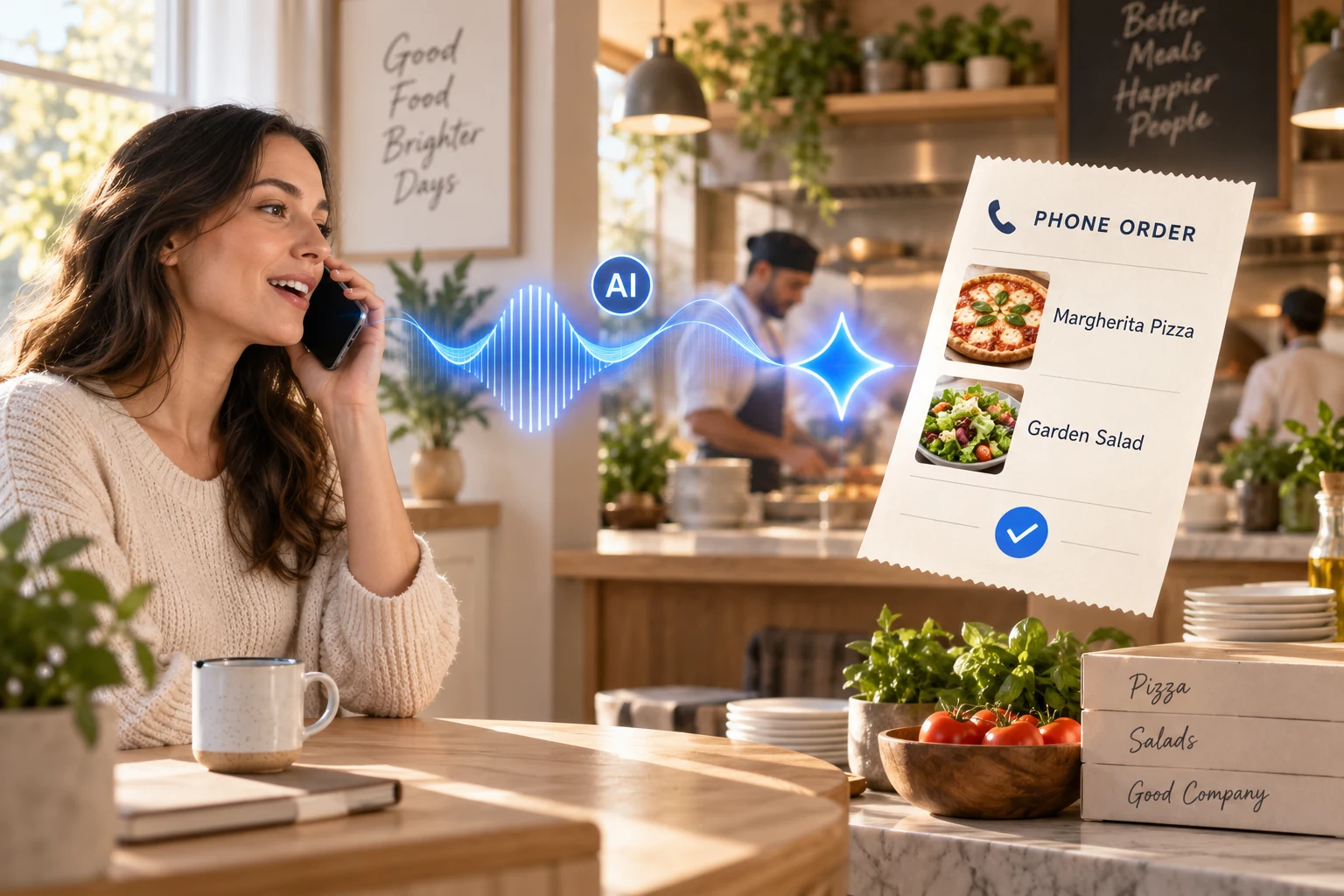
Guest phone call becoming a restaurant order through an AI voice assistant
Voice Order AI

Keep the conversation going.

SEE IT IN ACTION

Voice Order AI overview

See Aldelo’s introduction to Voice Order AI, then explore how phone ordering could fit your restaurant.

FOCUSED TOOLS. DISTINCT JOBS.

Start with the task.
Find the right help.

Guest phone call becoming a restaurant order through an AI voice assistant

GUEST CALLS

Voice Order AI

Keep the conversation going.

Handle phone orders, menu questions and reservation requests while your team looks after the people in front of them. Phone orders connect with Aldelo Express and the kitchen workflow.

Prepare your menu, call-routing rules and the requests a staff member should handle.
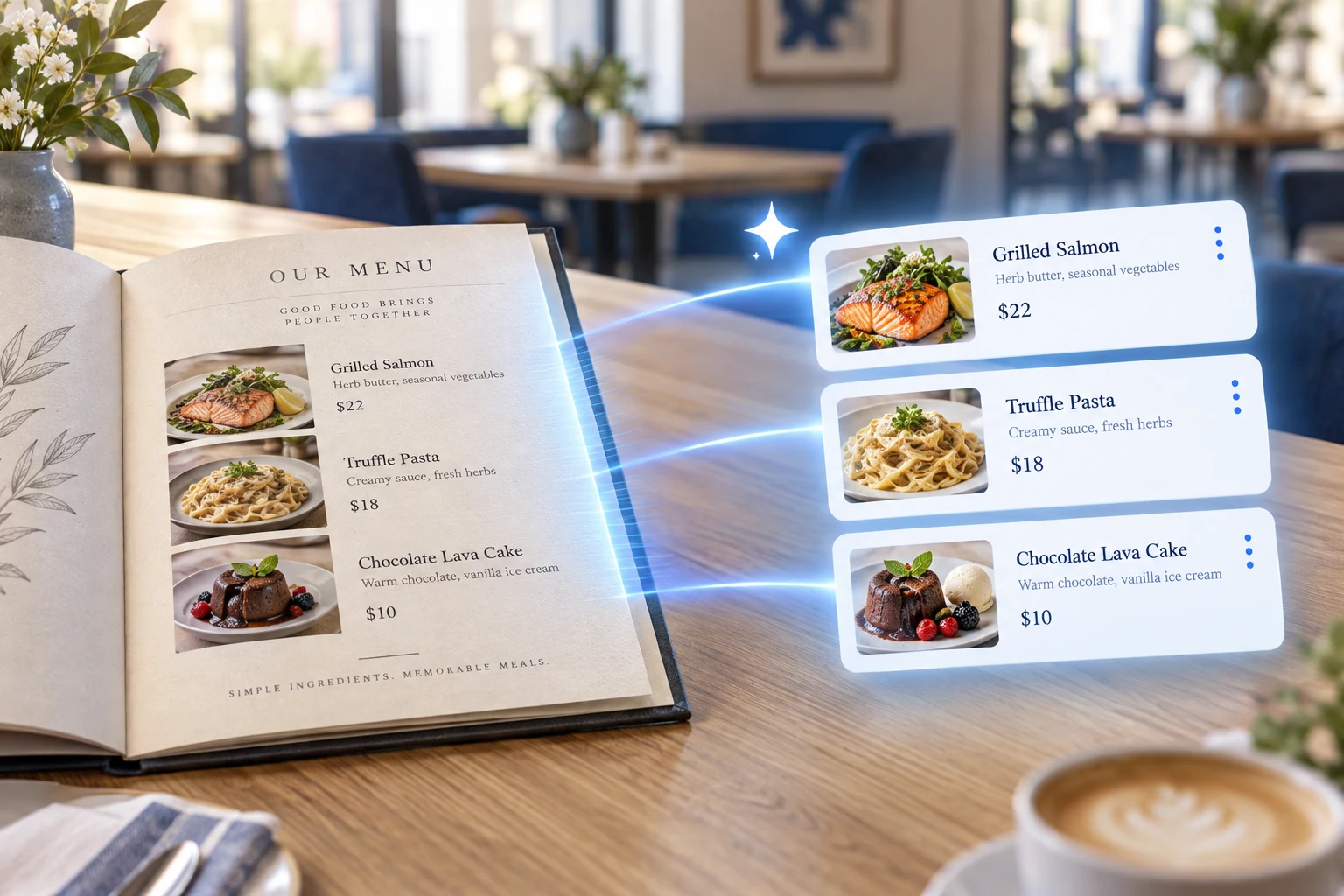
Paper restaurant menu becoming an organized digital menu with AI assistance

MENU SETUP

Menu Builder AI

Start with the menu you have.

Use a photo of a printed or handwritten menu to prepare item names, groups, descriptions and prices for Aldelo Express. Review and edit the result before completing the menu.

Check prices and grouping against your current menu, then test a sample order.

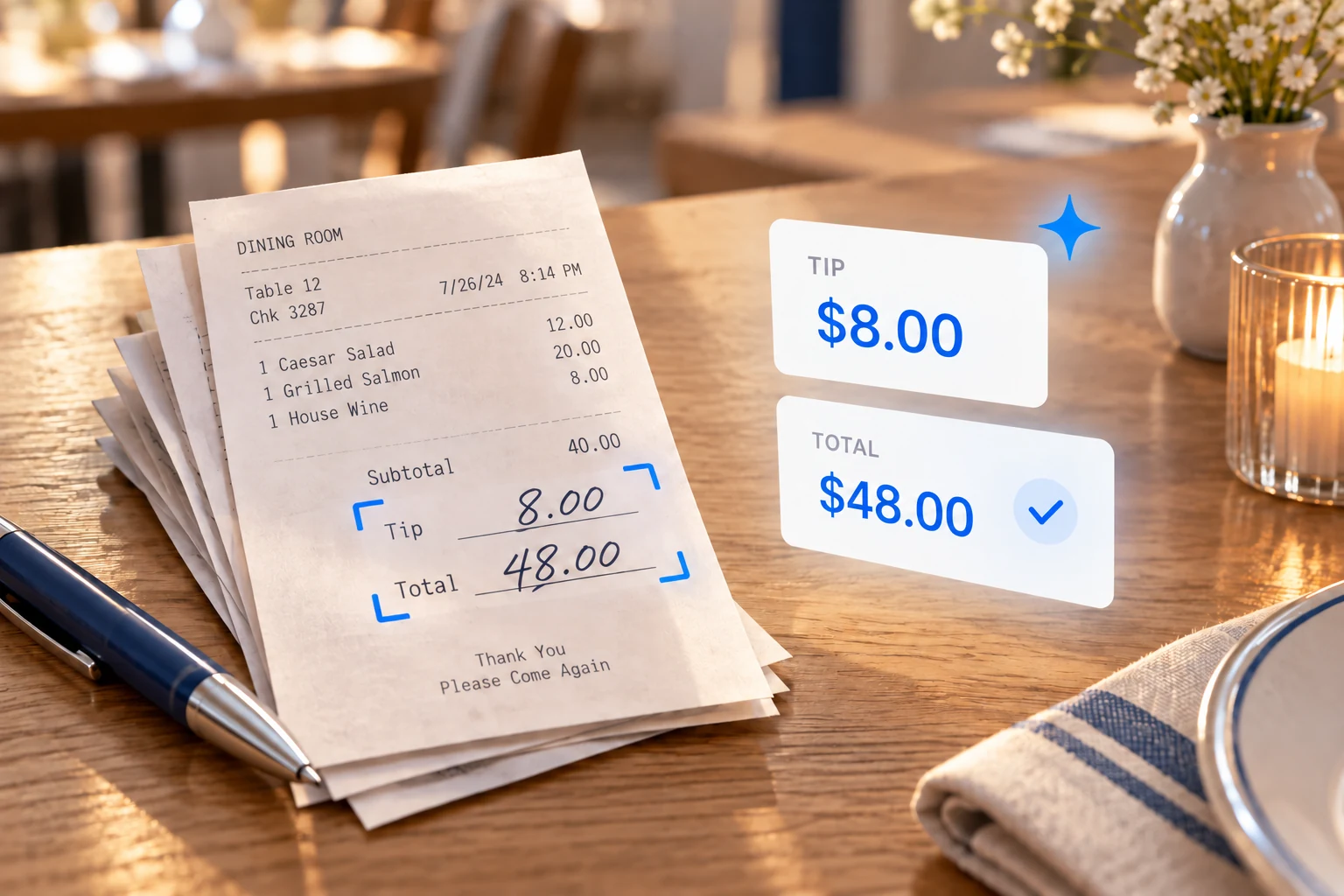
Handwritten receipt tips becoming a clear digital review with AI assistance

SHIFT CLOSEOUT

Tip Adjust AI

Make handwritten tips easier to review.

Capture the tip and total area of a receipt. AI reads the amounts and helps the closeout team work through unclear or conflicting values.

Use your staff approval and reconciliation procedures for receipt exceptions.

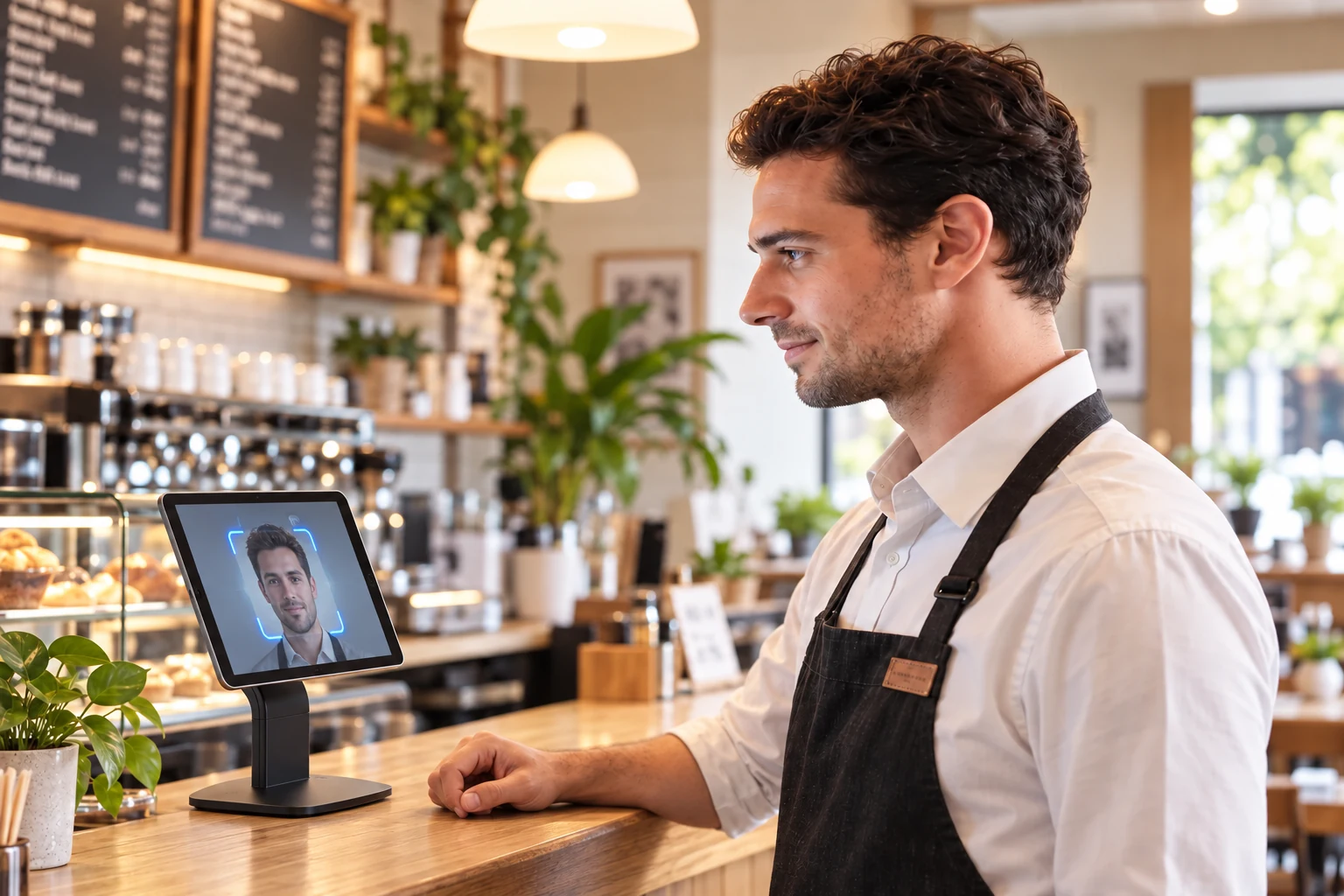
Restaurant employee using Face Login AI on an iPad with an EVO Touch stand

STAFF ACCESS

Face Login AI

Connect the person to their permissions.

Use a supported device camera to recognize an enrolled employee and apply the functions assigned to their role, including relevant time-card and manager actions.

Plan enrollment, employee notices, fallback access and removal when staff leave.

Available options depend on your software version and configuration.

HEAR THE CONVERSATION

A real sense of
how a call flows.

Listen to recorded Aldelo Voice AI examples, from ordering a pizza or coffee to requesting a table. Hear the choices and confirmations before planning your own setup.

Hear recorded calls

English recordings with sample menus, names and prices. Listening does not place an order or reservation.

ALDELO VOICE ORDER AI

Your menu.
A conversation.

  • Pizza pickup
  • Burger order
  • Coffee pickup
  • Table reservation
Choose a recorded call

USEFUL AI STARTS WITH YOUR OPERATION

Your rules.
Your team in control.

Connect one useful workflow, prepare the information it needs and agree on how your team reviews the result.

Explore Aldelo Express
  1. 01

    Choose the job

    Start with the calls, menu work, receipt review or staff-access task your team handles most.

  2. 02

    Confirm the fit

    Check supported devices, software versions, enabled services and commercial terms for the tools you select.

  3. 03

    Practice the handoff

    Test your own menu and exceptions. Set staff review, permissions and fallback steps before the first live shift.

MAKE THE NEXT STEP SPECIFIC

Bring a real task.
Build a useful plan.

Get my proposal

Explore next

Related to this page

LET’S MAKE IT WORK FOR YOU

Find the right tools for your restaurant.

Tell us the task you want to improve. We’ll help you identify the products to explore.

What can we help you with?