
Aldelo Express POS
Aldelo Express Quick Start
Set up your first Express store on iPad or connect another iPad to an existing store. Then check your menu and printers before service.
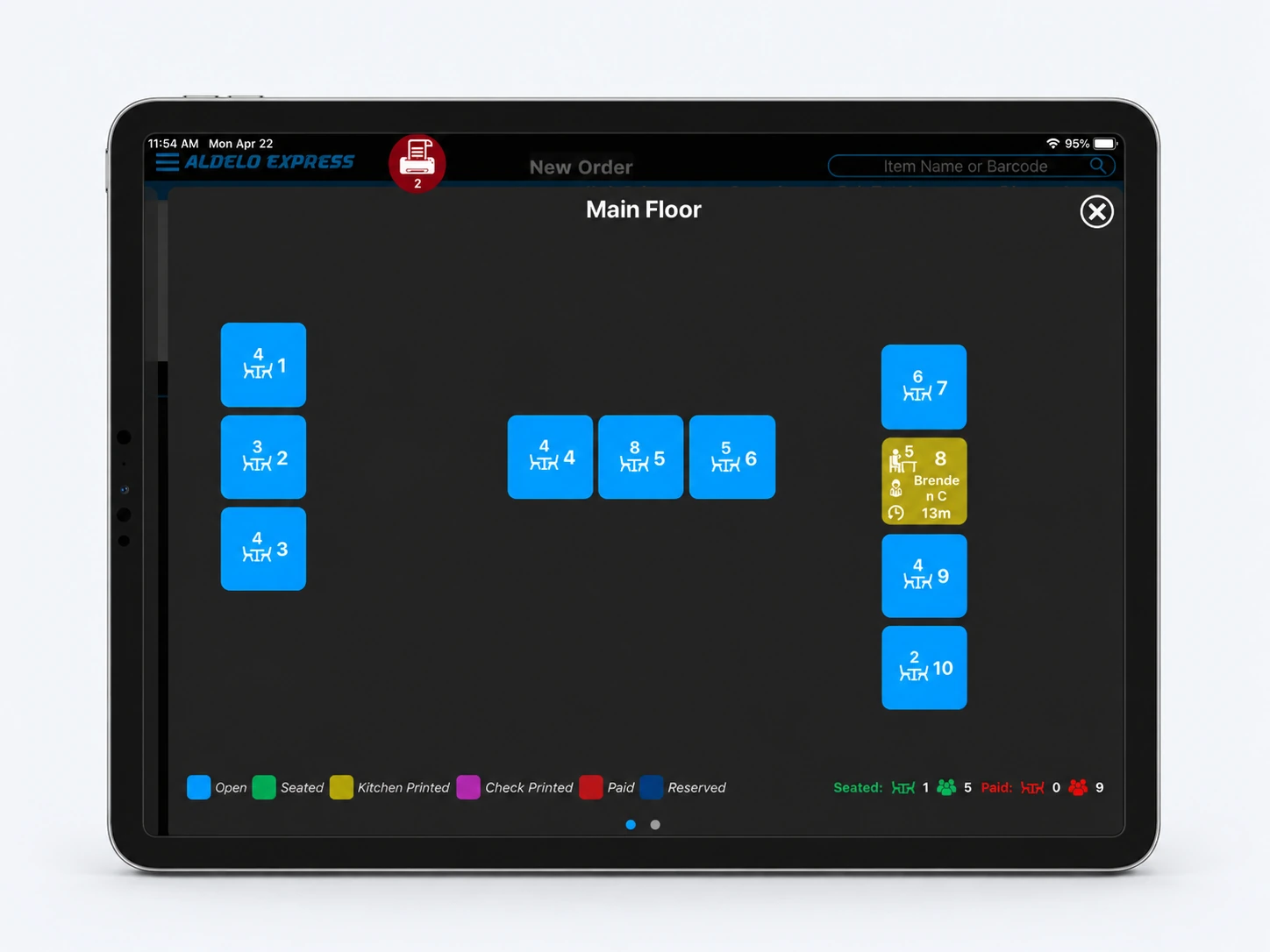
From sign-in to your first kitchen ticket
Install Express and sign in
Install Aldelo Express from the App Store. Open the app and sign in with your existing account. If this is your first store and you need an account, follow the sign-up prompts using your email address or mobile number.
Choose your store and device number
For a new restaurant, choose Create My Store. To add a station, select your existing store. Assign the iPad an unused device number from 1 to 999. For an existing store, wait for its menu and data to load, then go to the printer step.
Build a new store
Enter the store details, add your first menu items and prices, and create an employee with a POS passcode. Build the store once you have filled in the required fields. You can add the rest of your menu and team later.
Connect and check your printers
Connect the iPad and printers to the same network. Open Hardware in the Express menu, select the detected printers and turn on Connected. Assign the kitchen or bar printer as needed. Send a test ticket and check that it prints at the intended station.
Check the receipt printer and cash drawer
If this register uses a receipt printer or cash drawer, confirm the supported models and connections for this station with Aldelo Support. Print a test receipt and check that the drawer opens at the correct register.
Continue in the cloud back office
Open Manager in Express or use merchant sign-in in your browser. Sign in with your Express account, select the store, and manage its menu, employee access and reports.
Need a hand with your setup?
Tell support which step you reached and the product version on your device. Keep passwords and private account records out of your message.