
Try the real POS
Try Aldelo Express on your tablet
Install the app, choose a demo store and explore restaurant tasks with sample data.
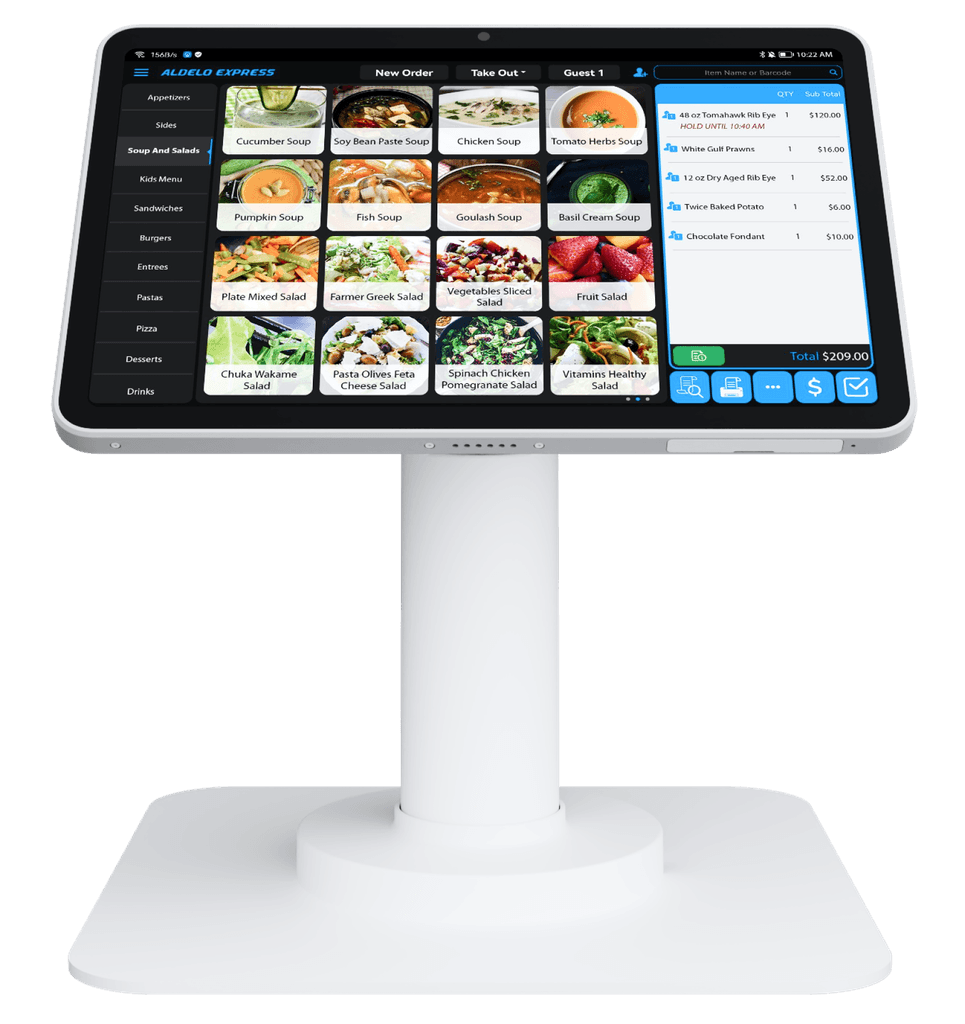
Start exploring in five steps
Download Aldelo Express
Choose the App Store for iPad or Google Play for Android. Check the listing for device requirements and install Aldelo Express.
Choose your appCreate your account
Open the app and follow its account-creation prompts. If you already have an account, use the sign-in option instead.
Choose a demo store
Look for the demo-store choices and select the restaurant style you want to explore. Stay in a demo store while trying the POS.
Enter a demo passcode
Use a demo passcode shown by the app. If no demo credentials are displayed, contact support before continuing.
Try your everyday tasks
Explore sample orders, tables and menu options. When you are ready to discuss your own restaurant, request a guided walkthrough.
Request a walkthrough
Need a hand with your setup?
Tell support which step you reached and the product version on your device. Keep passwords and private account records out of your message.