
POS reseller checklist
A reseller’s first Aldelo Express installation
Work through the menu, equipment and a practice shift with the restaurant manager before opening day.
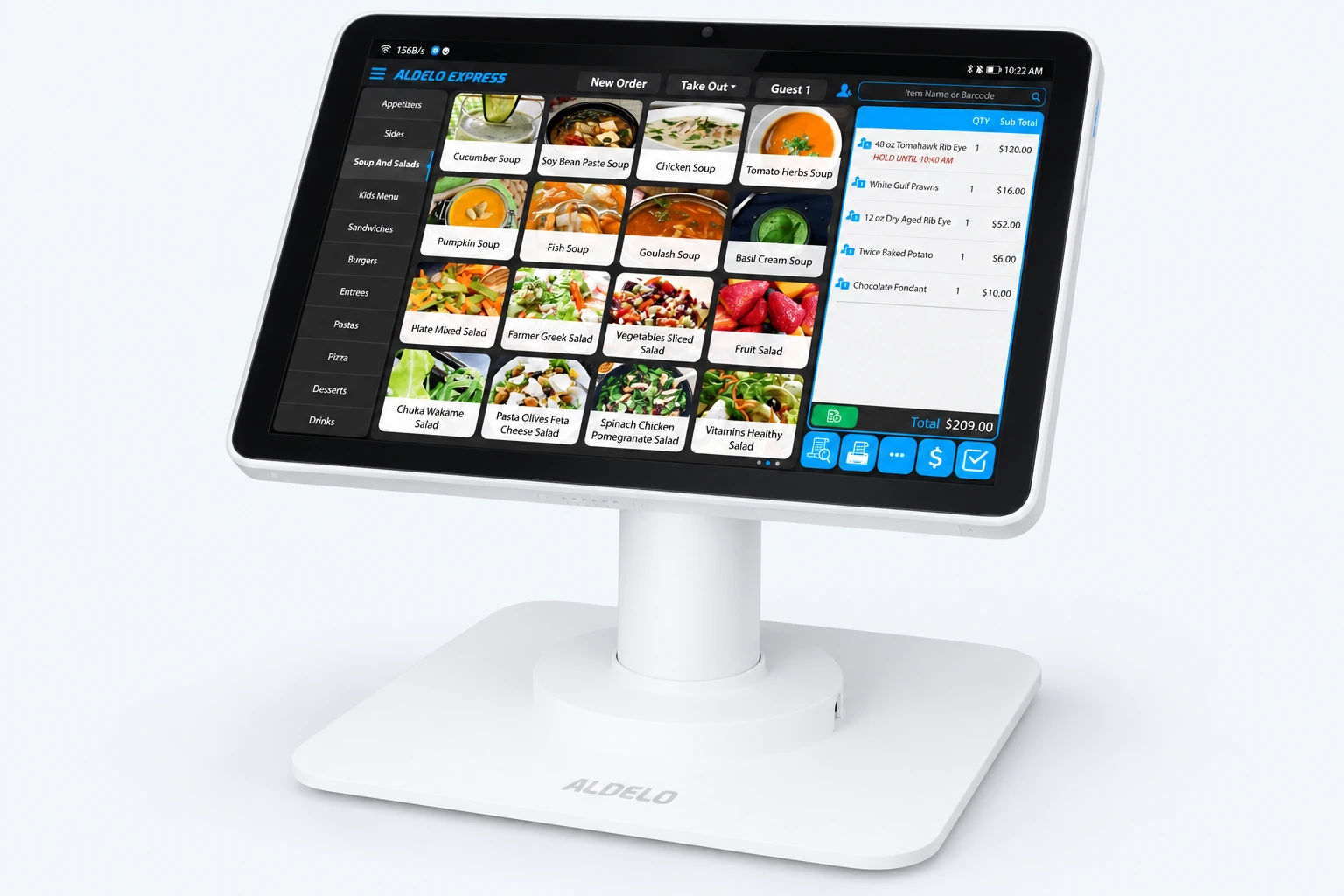
Before the first shift
Get the manager’s approval on the menu
Collect the current menu, prices, sizes, modifiers and tax settings from the manager. Enter a popular item with a paid extra and a preparation note. Have the manager check the choices and the total against the menu.
Set up each station where staff will use it
Confirm device and payment compatibility before installation. At the restaurant, check power and network access, connect the approved equipment and print a receipt. Send a test order to each kitchen printer or display and check the item, modifier and station.
Rehearse one order with the shift team
Have a cashier enter a practice order with a modifier, a cook read it back from the kitchen ticket, and a manager recall the check. Use the payment provider’s approved test procedure for checkout. Repeat any step the team cannot complete.
Hand the store over to the manager
Have the manager show a shift lead how to change an item, review the day’s sales and follow the agreed closing procedure. Leave the equipment list, support contacts and a named owner for each outstanding issue. Agree who will be available for the first service.
Need a hand with your setup?
Tell support which step you reached and the product version on your device. Keep passwords and private account records out of your message.