
Online Order
Compare guest ordering and payment options
Compare table QR ordering, QR check payment, pickup ordering and self-service kiosks.
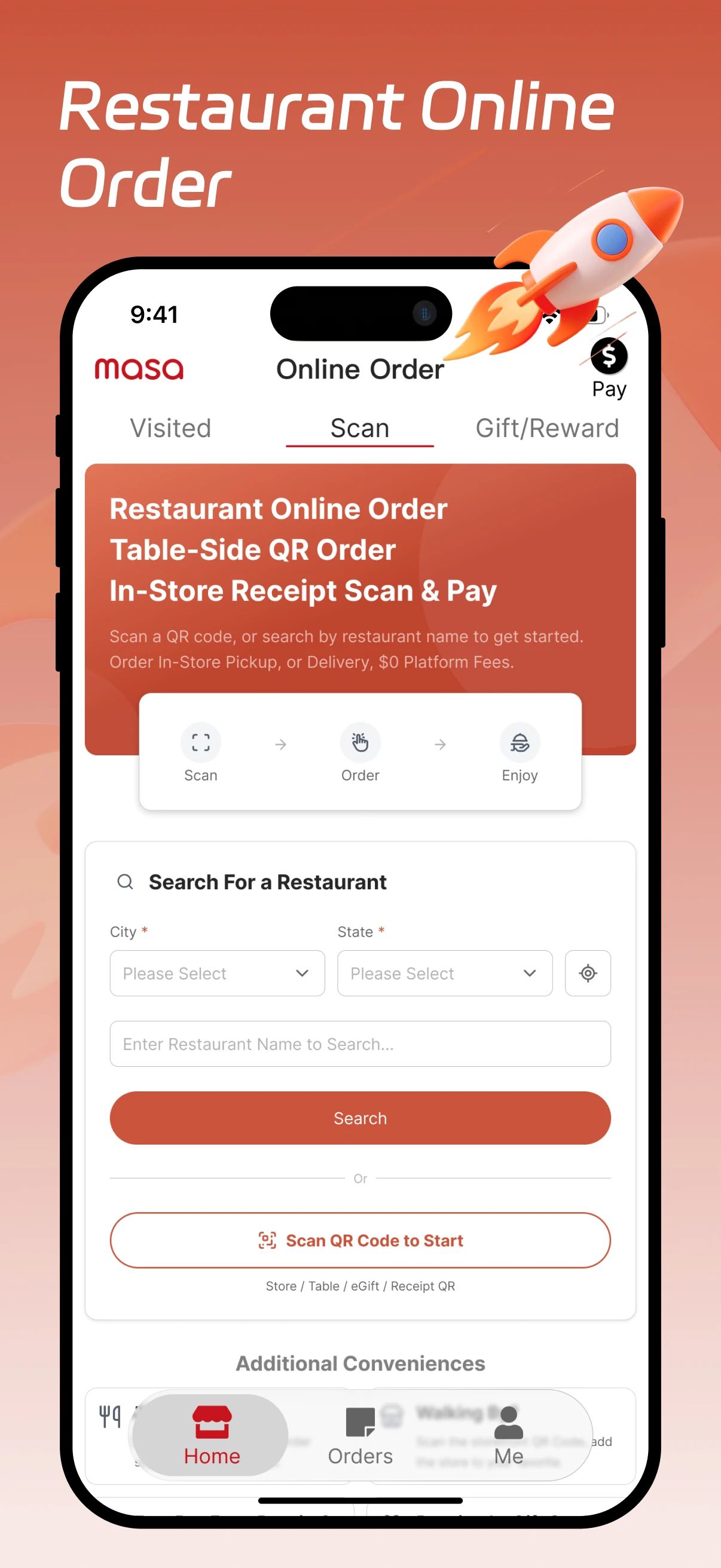
Compare the options, then follow a pickup order
Order at the table by QR
Guests scan the code at their table and order on their own phones. Link a different code to each table so staff know where to bring the food.
Pay a printed check
Servers take the order as usual. When the check arrives, guests scan its QR code, review the total and pay on their phone.
Order ahead for pickup
Guests open your Masa Online Order menu before they arrive. Staff get their choices in Express and prepare the order for pickup.
Order at a self-service kiosk
Offer a shared tablet at the counter. Guests browse the menu, customize items and send their order to the kitchen without using a phone.
Open the pickup menu
A returning guest scans the QR code on last week’s takeout bag. In Masa Online Order, they choose a mushroom pizza and add extra cheese.
Pay on the phone
The guest checks the pickup location and total, then pays with a method the restaurant accepts. The order confirmation appears on their phone.
Prepare the pizza for pickup
Aldelo Express POS receives the order. With pizza orders routed to the kitchen, the cook sees the extra cheese on the ticket. At pickup, staff match the pizza to the guest’s confirmation.