
Gift Cards, Promo Offers and rewards
Using the Masa Online digital wallet
Find your eGift balance, check loyalty points and redeem a restaurant offer in the Masa Online Order app or on the web.
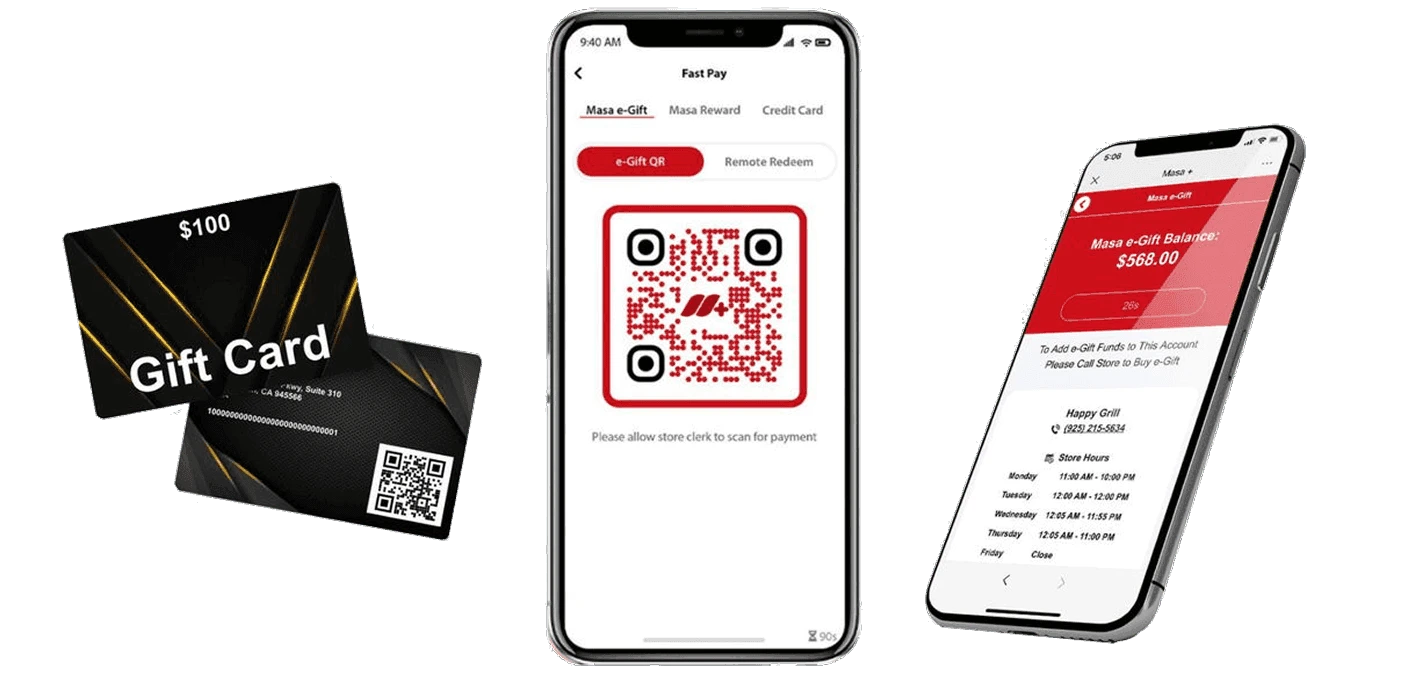
Use your wallet at a participating restaurant
Find and spend an eGift
An eGift sent to your phone appears in your wallet. Check its balance, then show the gift QR code at checkout or apply the gift to an online order. Store credit can be used only at the location that issued it.
Check loyalty points
Identify your membership at checkout with your rewards card or phone number. Open the Masa Online Order app to see points and activity. Ask the restaurant which rewards your points qualify for.
Claim and redeem a Promo Offer
Scan the restaurant’s offer code or open its link to claim the offer in your wallet. Check the eligible items, dates and locations. At checkout, show your offer QR code for staff to scan.
Need a hand with your setup?
Tell support which step you reached and the product version on your device. Keep passwords and private account records out of your message.