
Daily restaurant operations
Restaurant service workflows
Follow seating, shared items, printed checks, patio QR orders and food truck kitchen tickets in Aldelo Express.
Choose the service task
From host stand to kitchen
The host checks the reservation for two and seats the guests at Table 8. A walk-in party of four joins the Express waitlist. When their turn comes, the host checks the floor plan on the iPad and seats them at Table 12, an available table for four.
- The two guests share a salad, then order pasta and salmon. The server opens Table 8 on the P5L, enters each main by seat and adds “sauce on the side” to the salmon.
- The server sends the salad and holds both mains. When the guests finish the salad, the server fires the mains. The kitchen display shows Table 8, the pasta and the salmon with its sauce instruction.
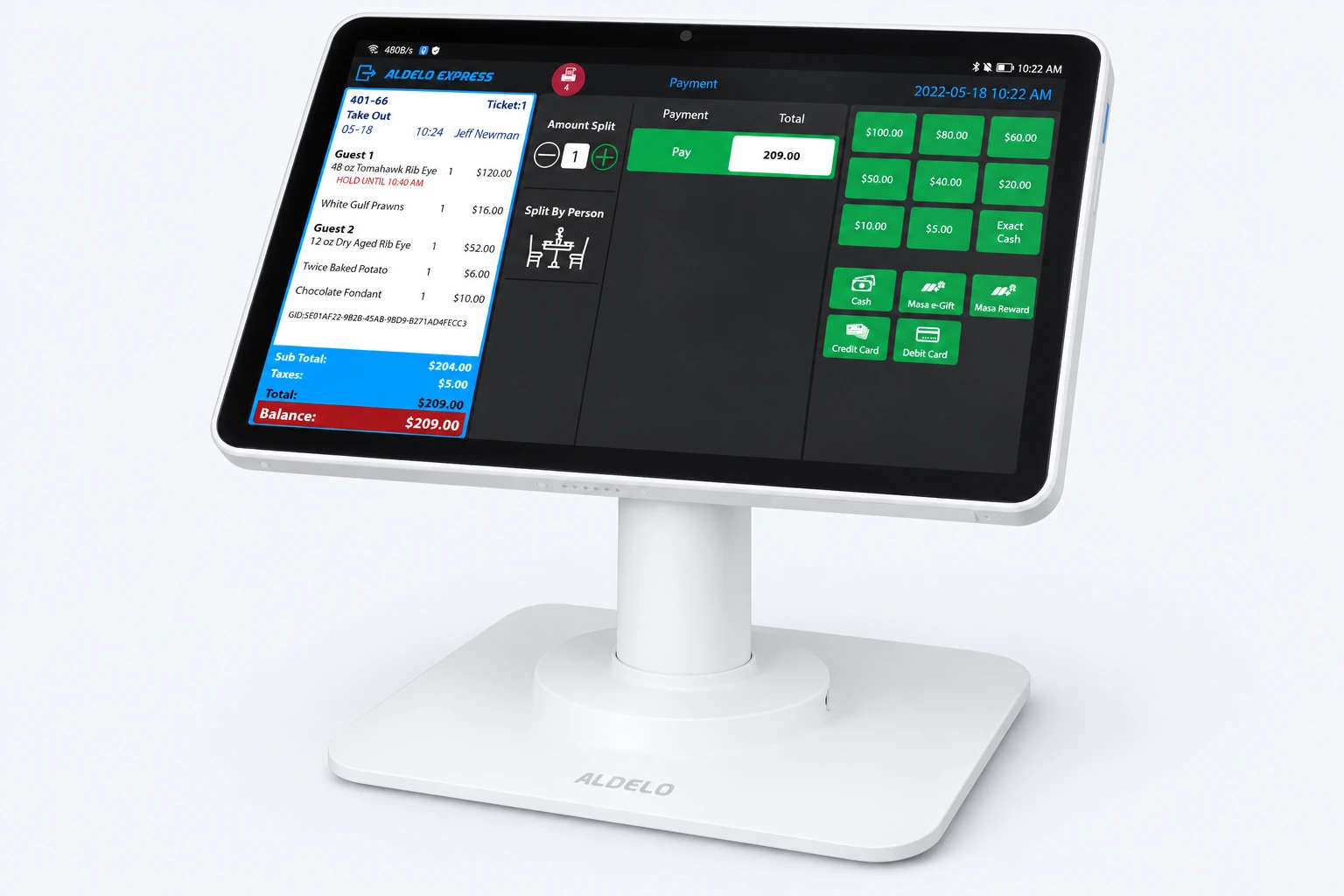
Print separate guest checks
In Open Orders, select the pasta check and confirm the $24 subtotal before tax. Print the guest check on your receipt printer or a supported mobile printer. Repeat for the $30 salmon check, then give each guest their bill before taking payment.
QR ordering at a patio table
A guest scans the QR code at patio table 6. The Masa menu opens on their phone. They check the table number, order two lagers and fries, and pay on their phone.
- The order reaches Express with table 6 attached. With drinks routed to the bar and food to the kitchen, the bartender pours the lagers and the cook prepares the fries. Both tickets tell staff where to bring the order.
Two fish tacos on the kitchen display
A guest orders two fish tacos, one without slaw. Express sends both tacos to the cook’s iPad. The cook opens the item details and sees “no slaw” on just one taco.
- When both tacos are ready, the cook marks the order complete on the touch screen. At the pickup window, the crew hands over the order and points out the taco without slaw.
Need a hand with your setup?
Tell support which step you reached and the product version on your device. Keep passwords and private account records out of your message.