
Online Order guides
Online Order setup and menu updates
Activate Online Order, check a test pickup order and keep prices and sold-out items current.
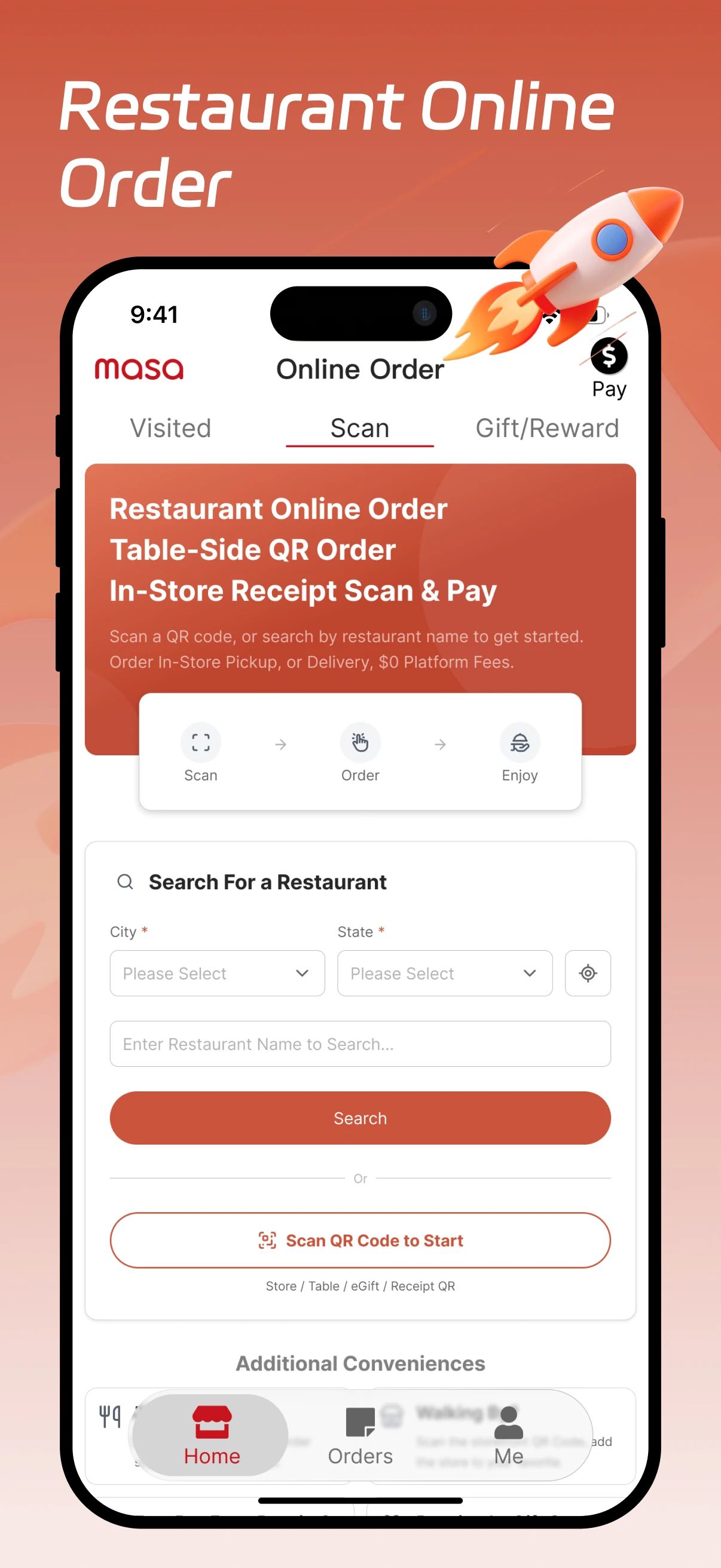
Activation and everyday menu changes
Activate Online Order for your store
Connect your store, then check the guest order against Express and the kitchen ticket.
- Sign in to Aldelo Express Cloud and select your store. Open App Marketplace, find Masa Online Order and choose Connect.
- Your Express menu syncs automatically. Open your restaurant’s ordering link on a phone. Check the pickup hours, then open a menu item and compare its price and options with the POS.
- Place a test pickup order with one change, such as extra cheese. Match the order in Express to the confirmation on your phone. Check that the kitchen display or printed ticket shows the change.
Need a hand with your setup?
Tell support which step you reached and the product version on your device. Keep passwords and private account records out of your message.