
Merchant support
Aldelo technical FAQ
Get help with an existing POS installation, from a register that needs attention today to a planned Windows update or change of ownership.
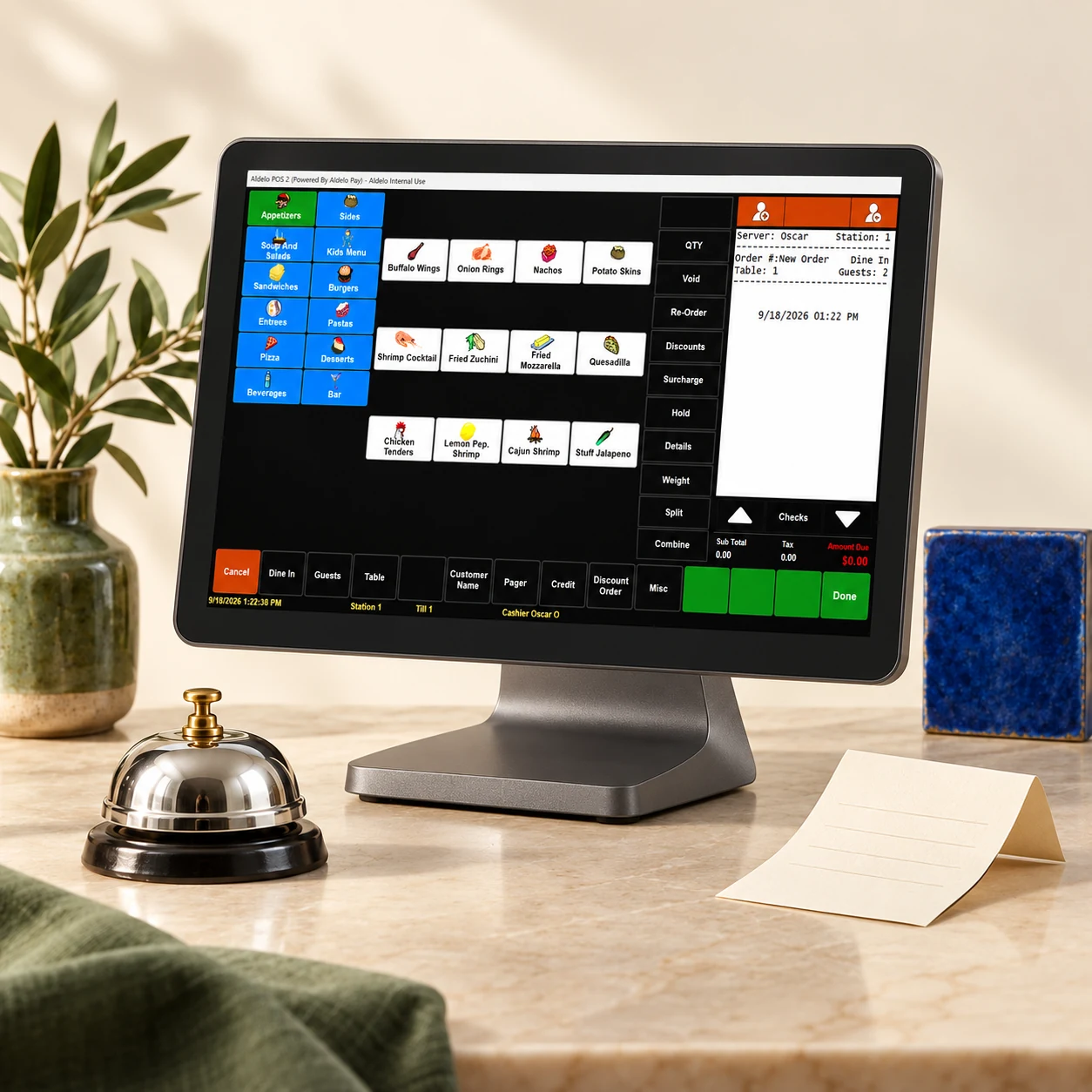
Technical support, updates and licenses
How do I get help during service?
Call Aldelo Support at 925-215-5634 for technical help 24/7, or email support@aldelo.com. If someone needs to visit your restaurant, ask your installing dealer about local service and fees.
Which Windows PC can run my Aldelo POS version?
List the Windows edition, processor, RAM and free disk space for the database PC and each register. Include your printer models and Aldelo EDC version if you use it for payments. Support can check the requirements for your exact build before you replace a PC.
Where do I get Windows POS updates and manuals?
Annual Windows POS support includes software updates. If you hold a perpetual license, support and updates are purchased separately from the license. Use Downloads to request the installer for your licensed edition or open the Windows user and training manuals.
How do I move my license to a replacement register?
For the same business at the licensed store, deactivate the old register through Aldelo before activating its replacement. Each license covers one active device at a time. If the old register has failed, contact Aldelo to retire its activation.
Does the software license transfer when I sell my restaurant?
The software license stays with the original business. The new owner needs a separate license or subscription before using the POS, even if the computers stay in the restaurant. Arrange the new owner’s payment account and authorized access separately.
Need a hand with your setup?
Tell support which step you reached and the product version on your device. Keep passwords and private account records out of your message.