Order at the point of service
Enter items and modifiers while you are with the guest. An image-based menu keeps choices within reach.
- Menu photos and categories
- Guest choices and modifiers
FOR SERVICE THAT MOVES
Aldelo Express Mobile POS
Take orders and payments beside the guest with Express on Android phones and handhelds. Use P5L for restaurant POS with native integrated EMV chip and tap payments.
SEE IT IN ACTION
A short demonstration of tableside ordering with Aldelo Mobile POS.
BUILT AROUND THE WORK
Enter items and modifiers while you are with the guest. An image-based menu keeps choices within reach.
Review the ticket beside the table, then split, combine or transfer it as service changes.
Hold an item until it is time to prepare it, then send the order into the restaurant’s kitchen workflow.
Finish the check near the guest with integrated payment options on a compatible device and merchant account.
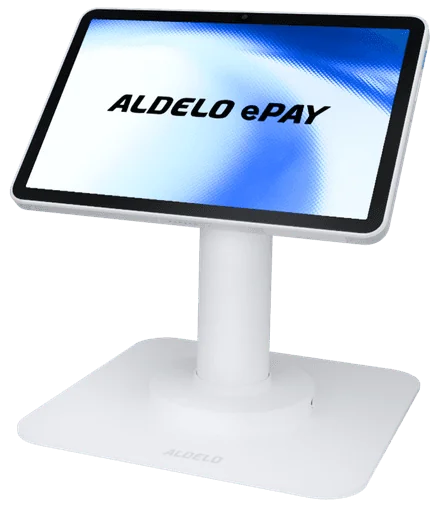
Choose a counter terminal, a handheld, or both. Bring ordering and payment together wherever you serve.
SEE THE PRODUCT
Explore the tools around each part of service. Available options depend on your setup.
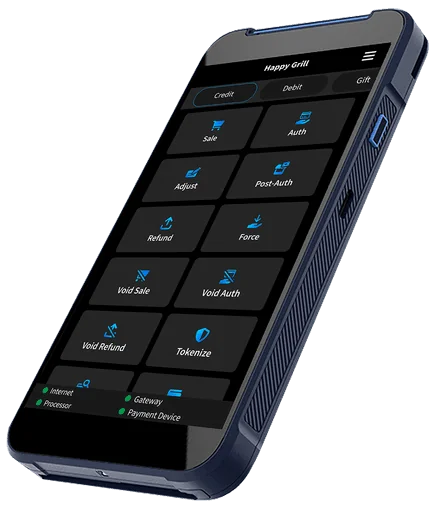
This Android handheld example shows menu images, categories and guest selection in a portrait ordering view.
FOLLOW THE TASK
Enter items and modifiers from a supported handheld device, instead of returning to a fixed ordering point.
Send handheld orders into the same POS and kitchen workflow as orders taken at the counter.
Use P5L for POS and integrated chip and tap payments beside the guest, with email receipt options.
MAKE IT YOURS
GET ALDELO EXPRESS
Download Aldelo Express for iPad or Android. Explore restaurant ordering, build your menu and get your team ready for service.


Use the latest app and operating-system versions. Software service and hardware terms apply.
Questions before you start?YOUR NEXT STEP
Walk your actual service area and choose a handheld setup around your team’s ordering and payment tasks.
Practice an order, a modifier, a kitchen send and a split check on the selected handheld.
Training & tutorials Product supportRelated to this page
These suggestions match this page and any preferences you selected.
Recommendation preferences stay in this tab for the current visit. Reset clears them; hiding this section leaves other website features available.
LET’S MAKE IT WORK FOR YOU
Tell us about your restaurant and the tools you need. We’ll help prepare an itemized proposal.