
Quick service POS
Keep lunch orders moving.
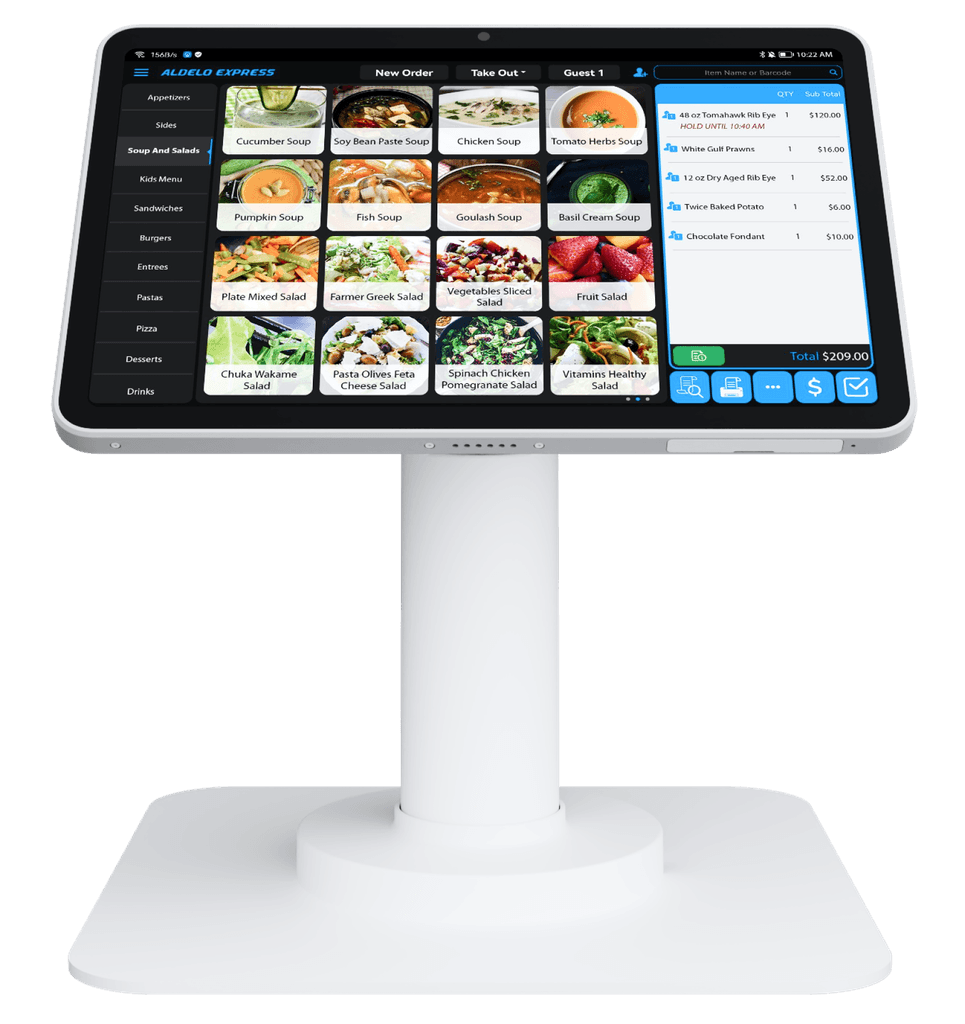
Send counter orders and modifiers to the kitchen with Aldelo Express, then hand the right bag to the right guest.
Turkey sandwichSourdough · No onions
- Cashier enters the order in Express POS.
- The kitchen sees the bread choice and modifier on its display or printed ticket.
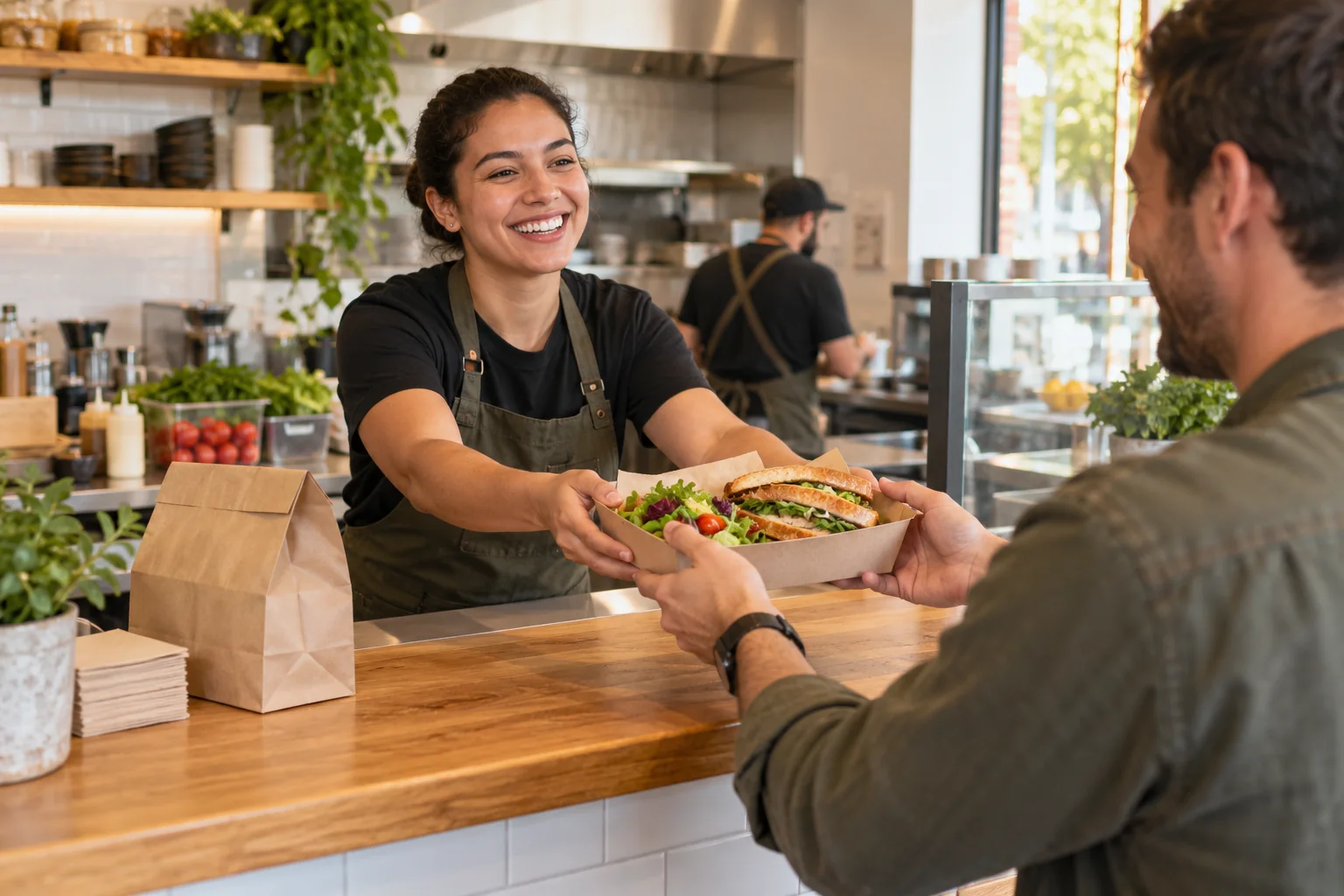
- Staff call order 27 at pickup.
Made for your service
From first order
to a great finish.
Counter & quick serviceIN THE FLOW
Choose the entry points
Take orders at the counter, let guests use a self-service kiosk or welcome them through Online Order. Required choices and modifiers keep each build clear.
Your menu. Your service.
Counter & quick serviceIN THE FLOW
Give every order a destination
Confirm a sandwich’s bread and side choices at the counter, then send those details to the kitchen display or printer. Plan how staff identify the order at pickup.
Your menu. Your service.
Counter & quick serviceIN THE FLOW
Make checkout part of the flow
T2 brings Express ordering and integrated EMV chip and tap payments to the counter. Add a Customer Display so guests can follow their order.
Your menu. Your service.
A concession stand at halftime
Keep hot dogs, popcorn and bottled water together on the counter menu. When a guest asks for a hot dog with mustard and a water, tap the two items, add mustard and confirm the total.
The guest taps a card at the payment terminal. Once payment is approved, give them pickup number 27. At the window, call that number and check both items against the ticket.
- Pickup 27
- Hot dog · Mustard
- Bottled water
A connected way to serve
Good building blocks.
Your kind of setup.
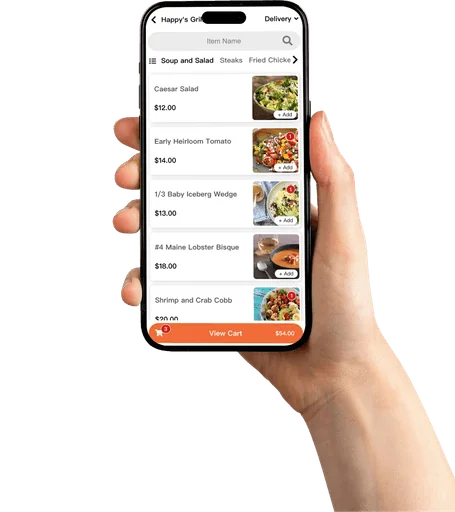
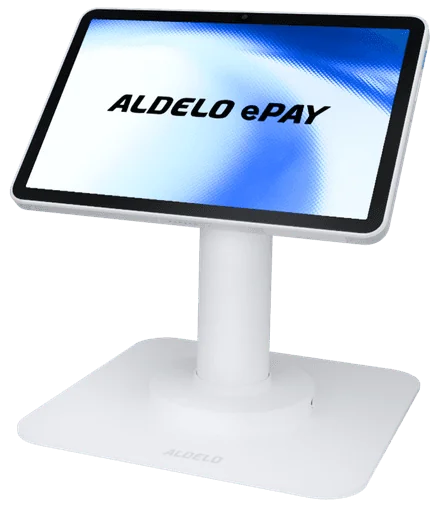
Choose the tools for your service. Your proposal brings together devices, software and payment options.
A little guidance goes a long way
Your next step,
made clearer.
Explore next
Related to this page
These suggestions match this page and any preferences you selected.
Recommendation preferences stay in this tab for the current visit. Reset clears them; hiding this section leaves other website features available.
LET’S MAKE IT WORK FOR YOU
Get a proposal for your restaurant.
Tell us about your restaurant and the tools you need. We’ll help prepare an itemized proposal.