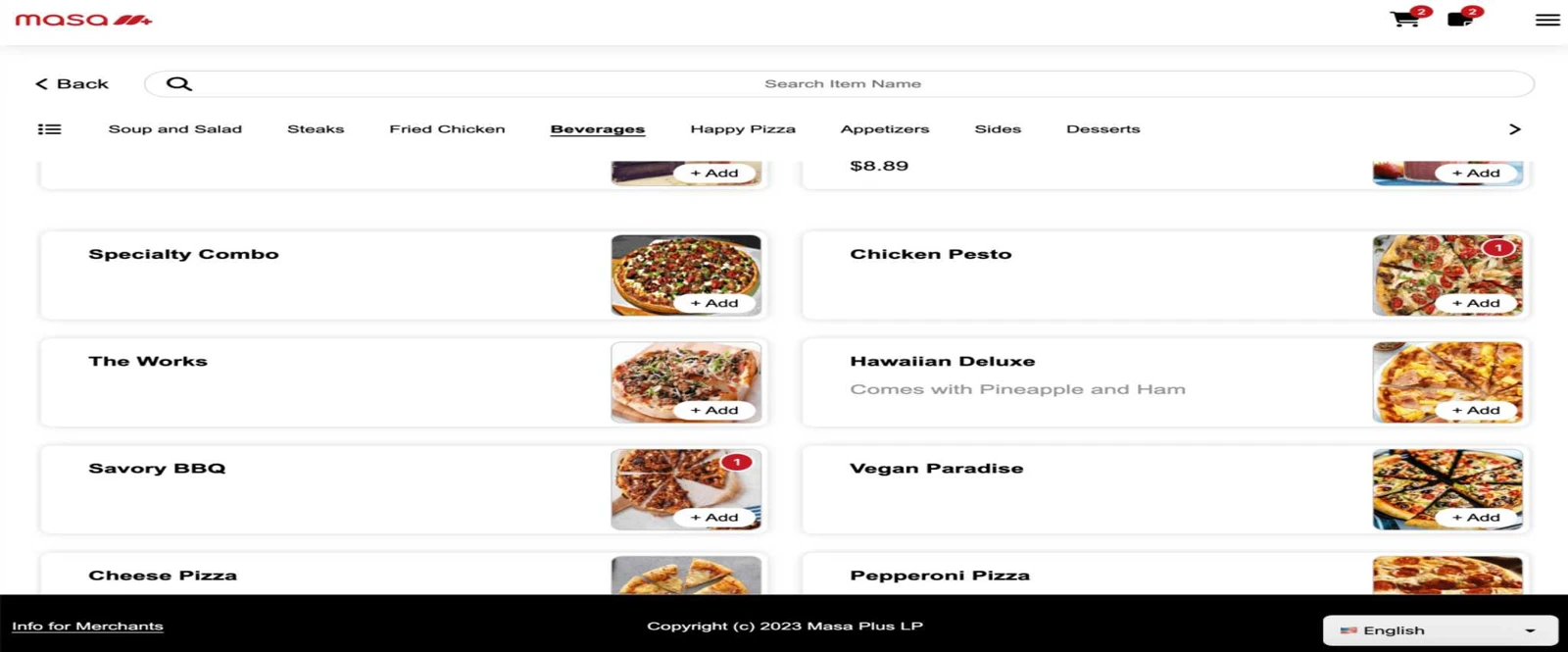
Put your own menu online
A branded, mobile-friendly storefront brings guests directly to your ordering experience.
FOR PICKUP AND DELIVERY TEAMS
Online Order
Build half-and-half pizzas and offer choices within choices with Masa Online Order. Every size, topping and sub-modifier reaches Aldelo Express and your kitchen.
Guide guests from size and crust to toppings on each half. Sub-modifiers make layered choices easy, such as choosing a combo side and then picking its sauce.
Pizza and complex modifiersBUILT AROUND THE WORK
A branded, mobile-friendly storefront brings guests directly to your ordering experience.
POS menu and price changes sync with Online Order, including item options and modifiers.
Configure service hours and pickup scheduling around the way your restaurant fulfills orders.
Incoming orders connect with POS, kitchen displays, printers and reporting.
Order status and notifications help guests follow their order.
Connect online ordering with configured payments, gift cards and loyalty programs.
FOLLOW THE TASK
Use your Express menu as the starting point for the branded online storefront. Review items, modifiers, prices, images, and service hours.
Guests select from your online menu for the service modes you configure, such as pickup or delivery.
Review how an online order reaches POS, kitchen displays or printers, and the staff managing fulfillment.
MAKE IT YOURS
Connect your Express store and check a pickup order before welcoming online guests.
Read activation stepsYOUR NEXT STEP
Choose your ordering modes, hours and pickup instructions, then review your menu as a guest would see it.
Run a test order from menu selection through the kitchen and the guest handoff.
Use menu photos across POS, kiosk and online ordering Training & tutorials Product supportRelated to this page
These suggestions match this page and any preferences you selected.
Recommendation preferences stay in this tab for the current visit. Reset clears them; hiding this section leaves other website features available.
LET’S MAKE IT WORK FOR YOU
Paste a menu link or describe a topping combination or pickup rule in your message. We’ll use it in your demo.