Find your feet.Then find your flow. See Aldelo in action, then practice the everyday with your team. Short product videos and practical checklists, all in one place.
A LITTLE PRACTICE. A LOT OF CONFIDENCE. Ready fornext shift.
Your next shift starts here
One task. A more confident team. Choose your station, then work through a short practice with your manager.
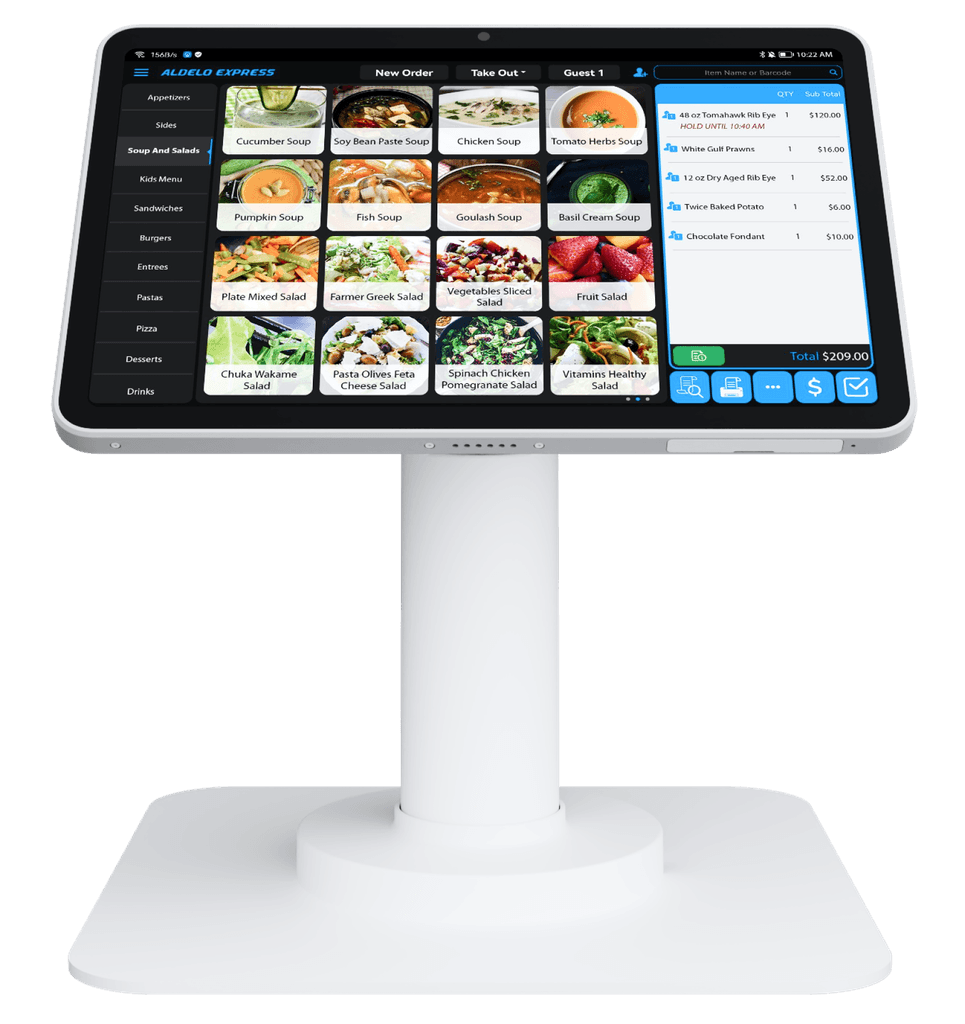
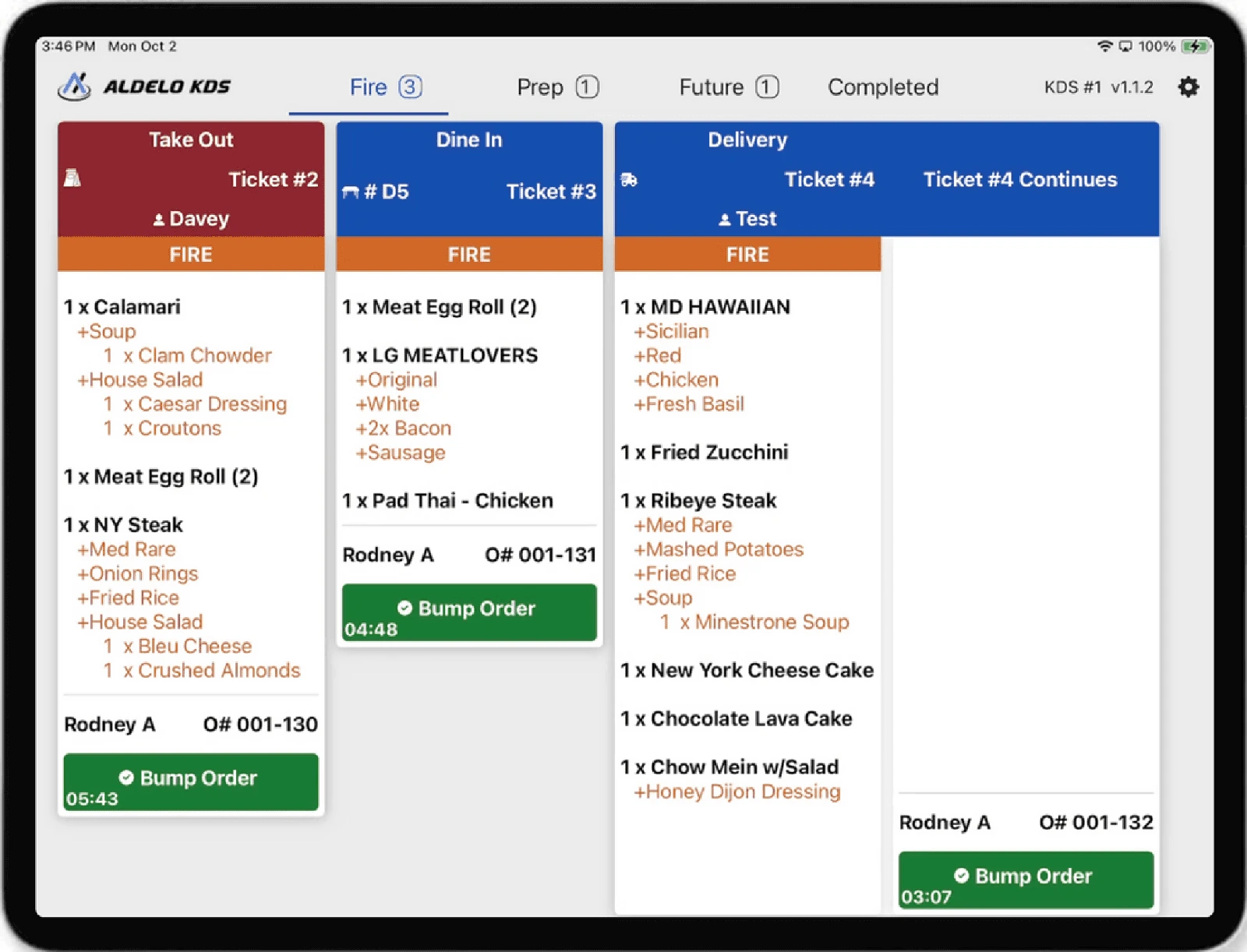
Choose your station Android T2 · Restaurant POS iPad · Restaurant POS iPad · Kitchen Display Watch Aldelo in action
Real products.A closer look. Product introductions and demonstrations from Aldelo.
Watch overview · 0:28 Turn online interest into a restaurant visit. Turn online interest into a restaurant visit. Share an offer online, welcome new and returning guests, and make redemption simple at checkout.
Product details This product introduction is hosted by Aldelo. It is not a step-by-step setup lesson.
Open the video file (opens a new tab) 01 Promo Offers Turn online interest into a restaurant visit. 0:28 02 Restaurant POS Aldelo Express in 32 seconds 0:32 03 Voice Order AI Voice Order AI overview 0:30 04 Kitchen Display Kitchen Display overview 0:33 05 Restaurant POS Aldelo Express POS walkthrough 2:53 06 Restaurant POS Taking orders at the table 0:54 07 Restaurant POS Coffee shop ordering 1:04 08 Self-Service Kiosk Self-service kiosk ordering 1:16 09 Restaurant AI An introduction to Menu Builder AI 0:49 10 Loyalty & Rewards Loyalty & Rewards in action 0:44
For your next team session
Pick a focus.Practice with purpose. Use these checklists alongside your store’s configured products and procedures.
Daily service Menu setup Kitchen Payments Online Order Gift Cards Loyalty & Rewards
Walk through a whole order. Train around a familiar order from your own menu. A manager can demonstrate the workflow on your configured system before the next shift.
Start with the right service type, table or guest, then add an item with its usual choices. Read the item and modifiers back before sending the order to the kitchen. Follow the order through preparation, guest payment and receipt. Ask your manager how your store handles changes and voids.
Make every choice clear. A good menu setup matches how guests actually order. Prepare your information before editing or importing a menu.
Gather current item names, prices, categories and photographs you have permission to use. List required choices separately from optional extras, including sizes, preparation choices and add-on prices. Have a manager review the finished menu and kitchen routing before making changes available to the team.
Follow the order to the right station. Align front and back of house around the same handoff. Your configured kitchen workflow determines which team sees each item.
Name each prep station and the items it is responsible for. Walk through an order with multiple items and confirm the team understands modifiers and preparation notes. Agree who marks items complete, who expedites and how staff call attention to an order change.
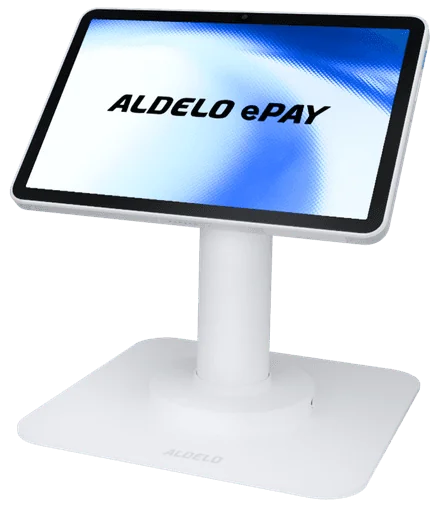
Build confidence at checkout. Train with your exact payment device and approved store procedures. A payment question should never become a guessing game.
Identify which payment methods your configured terminal accepts and how the guest uses the device. Show the team where to check the payment result and provide the guest receipt. If a result is unclear, confirm the transaction with support before retrying. Never collect full card numbers or security codes in a support message.
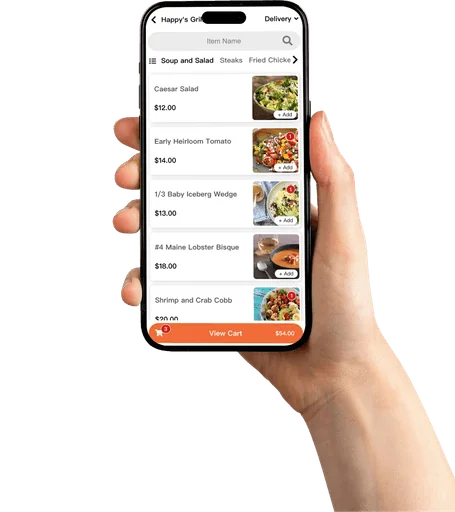
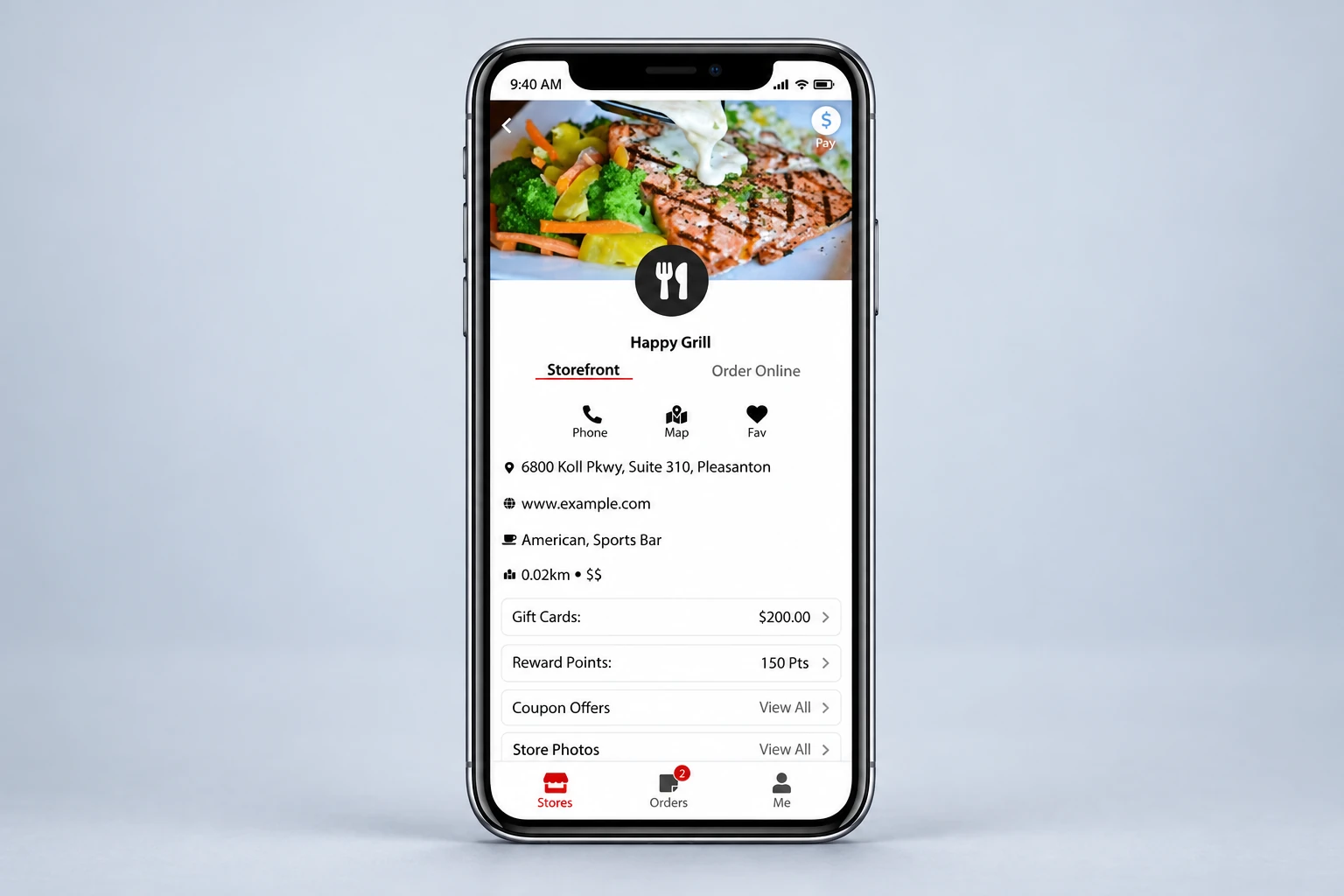
See the order through your guest’s eyes. Review your public ordering experience, then confirm the handoff inside the restaurant with the person responsible for online service.
Check the restaurant name, public hours, menu descriptions, prices and pickup information. Review the choices a guest sees for one of your common orders. Confirm who watches incoming orders and how your team communicates availability or fulfillment questions.
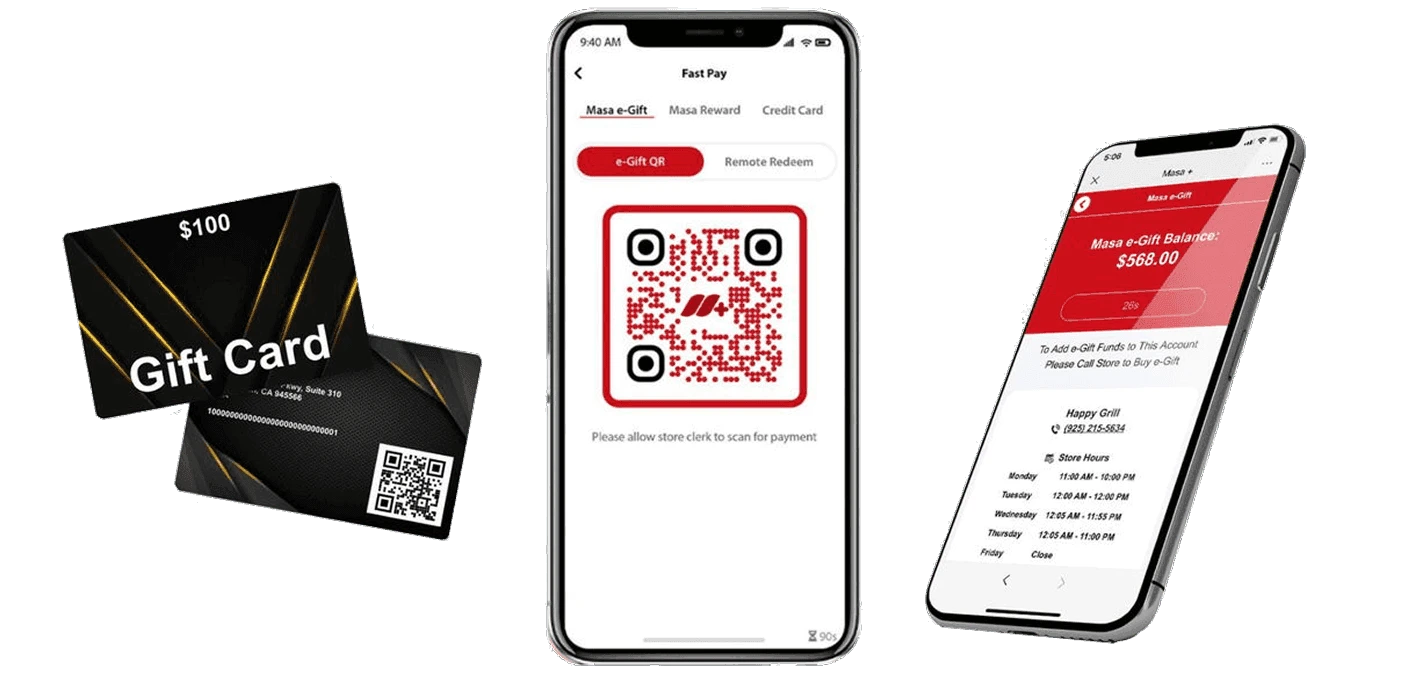
Give guests an easy next visit. Make sure your team can explain the Gift Cards program your restaurant offers and the locations where it can be used.
Confirm whether your restaurant offers physical cards, digital cards or both. Have a manager demonstrate selling and redeeming a card in your configured system. Explain balance questions and participating locations using your approved program terms. Route an account-specific issue to support.
Turn the program into a simple invitation. Your earning and redemption rules should be easy for staff to explain. Begin with the program your restaurant has activated.
Write a short explanation of how guests enroll and earn rewards. Demonstrate where your team recognizes a member and follows the redemption flow. Confirm which locations participate and who can help with a missing reward or account question.
Help your whole team get comfortable. Tell us what you use and what you want to learn. We’ll help you find the right training options.
Discuss team training Merchant support · 24/7
Need a person right now? Go straight to the Aldelo support team.