
Pre-Requisites
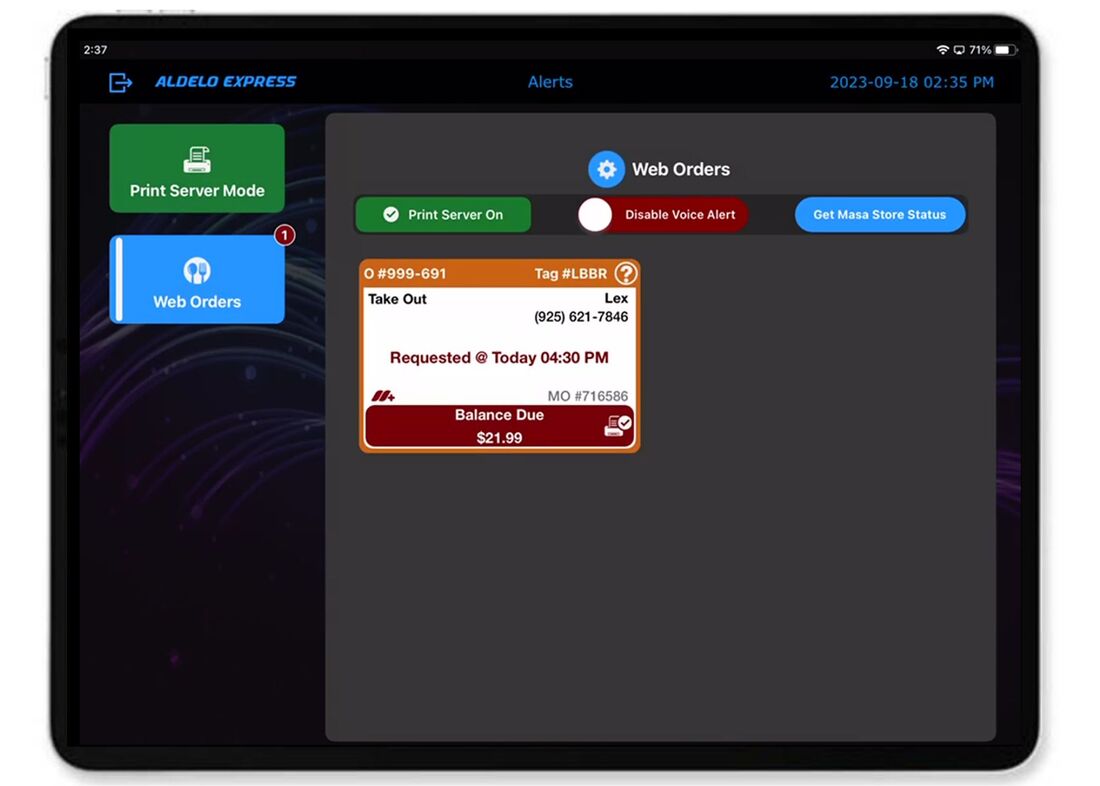
Aldelo Express for iPad or Android is Installed on at least 1 iPad that is designated as a POS Print Server
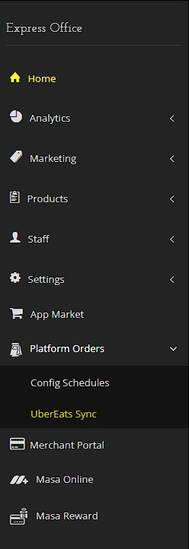
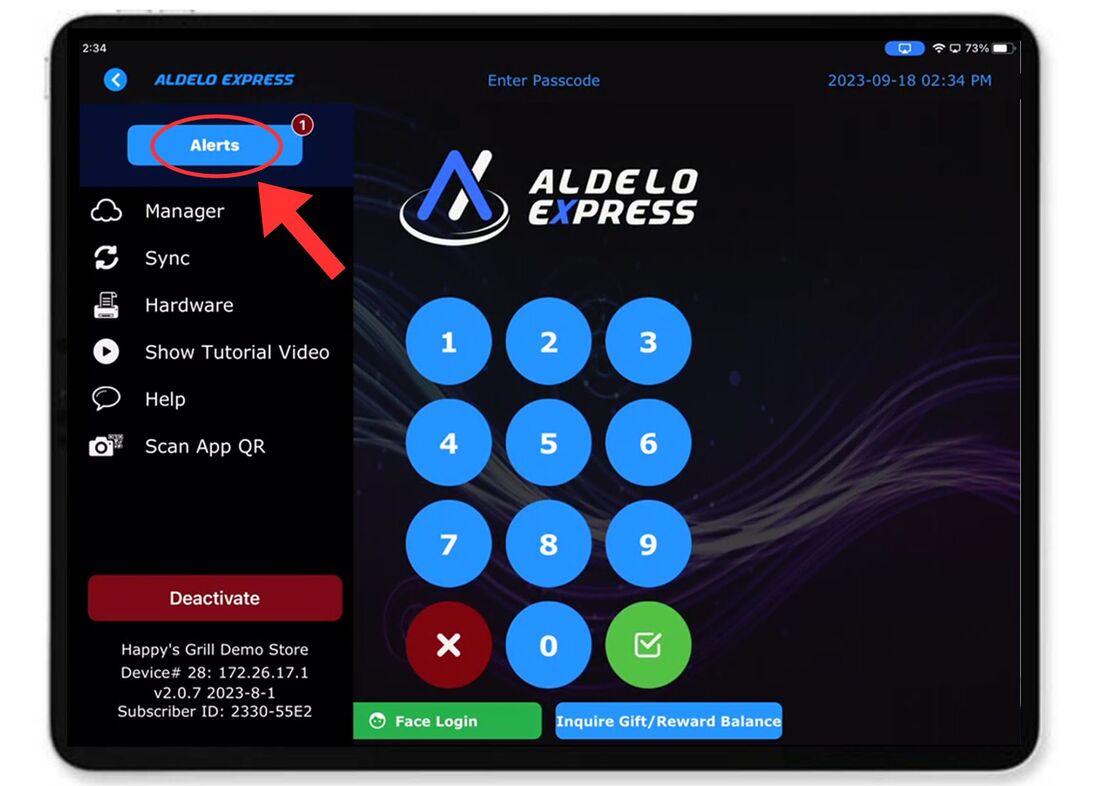
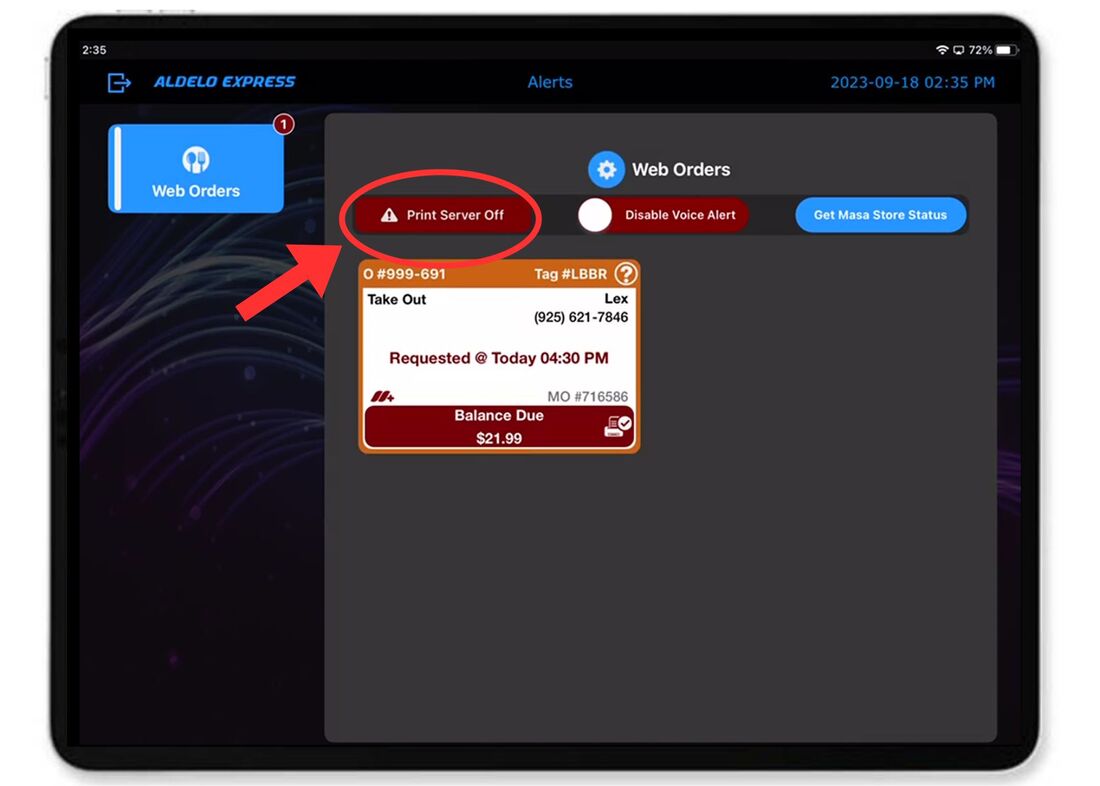
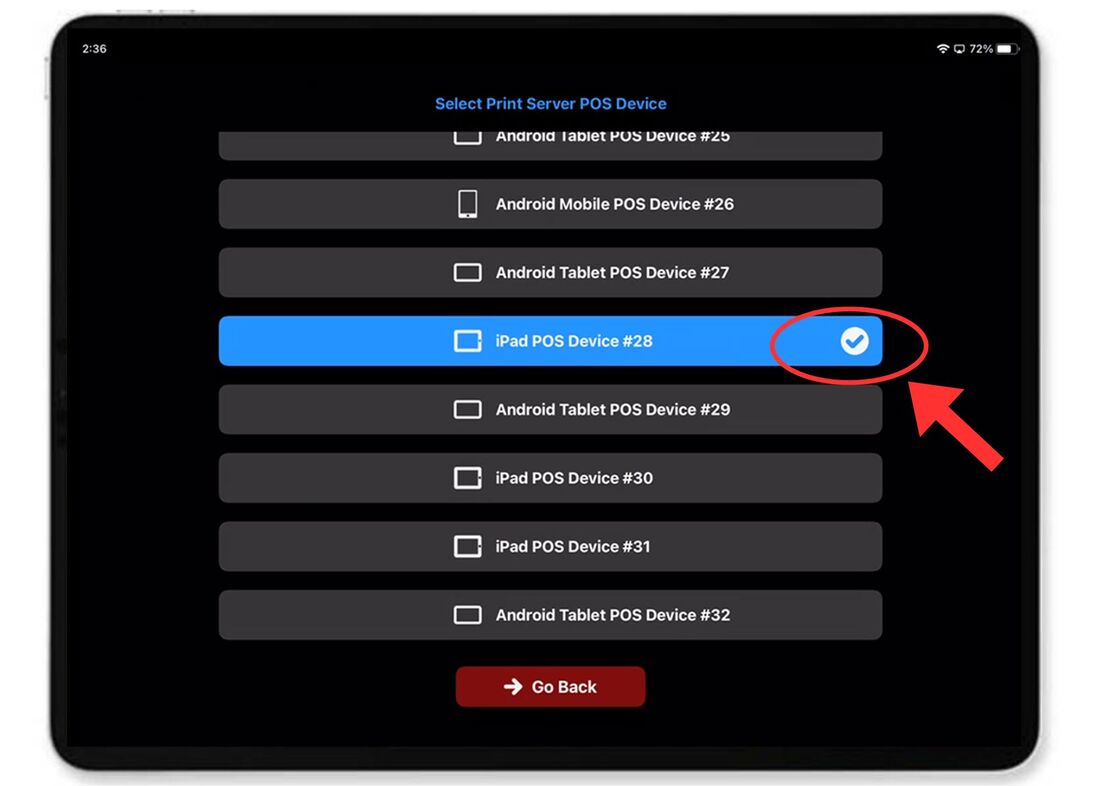
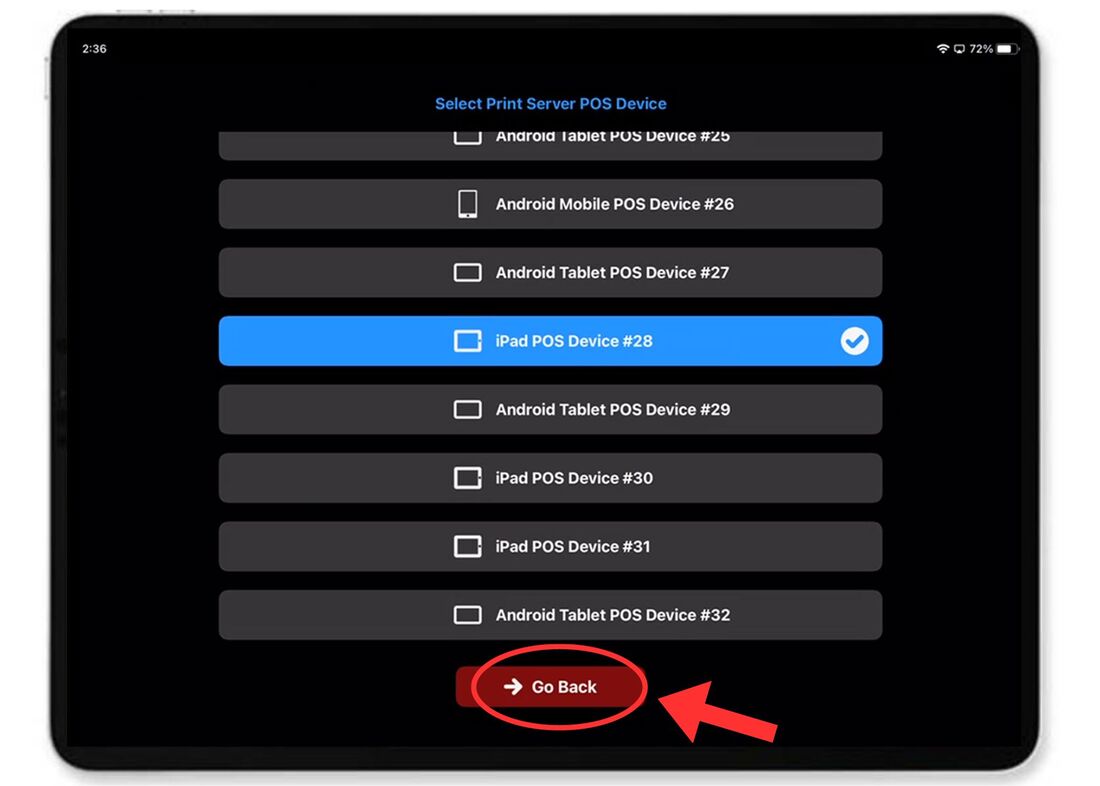
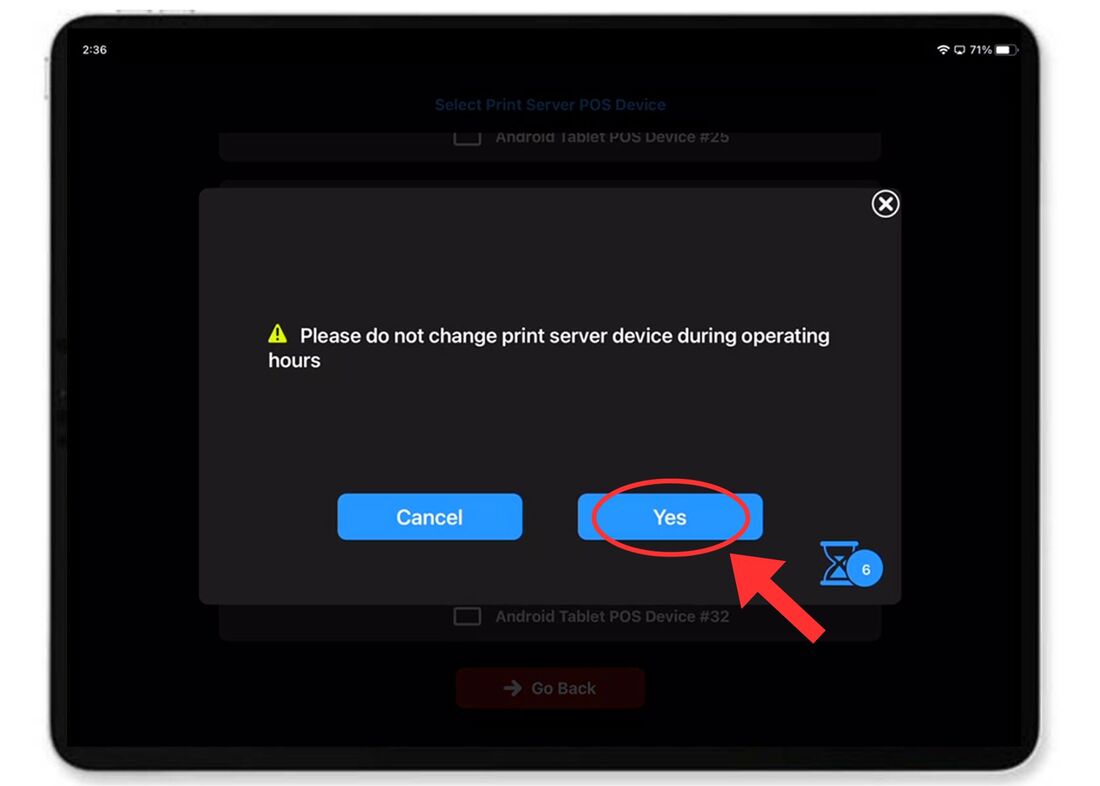
To Setup POS Print Server Go To The Aldelo Express and at the top of the screen choose "Alert Center " then "Platform Orders" and "Print Server"
All Alcoholic items will need to be marked as "Available to Store POS Only"
When setting up an Item, select the "Show Extended Settings" dropdown menu and scroll down to "Ordering Options." Then make sure the toggle for "Available To Store POS Only" is set to "YES"
Merchant is Already Setup with Aldelo Express Cloud POS
For Aldelo POS for Windows Merchants, its easy to migrate using the Aldelo Express Migration Tool 【See the Video】 【Download the Tool】
Merchant's POS Menu is Already Programmed
This will save you time in editing your menu online in the Uber Eats portal